
 Updated : October 19, 2026
Even though your dialer reports a healthy answer rate, your reps report far fewer real conversations.
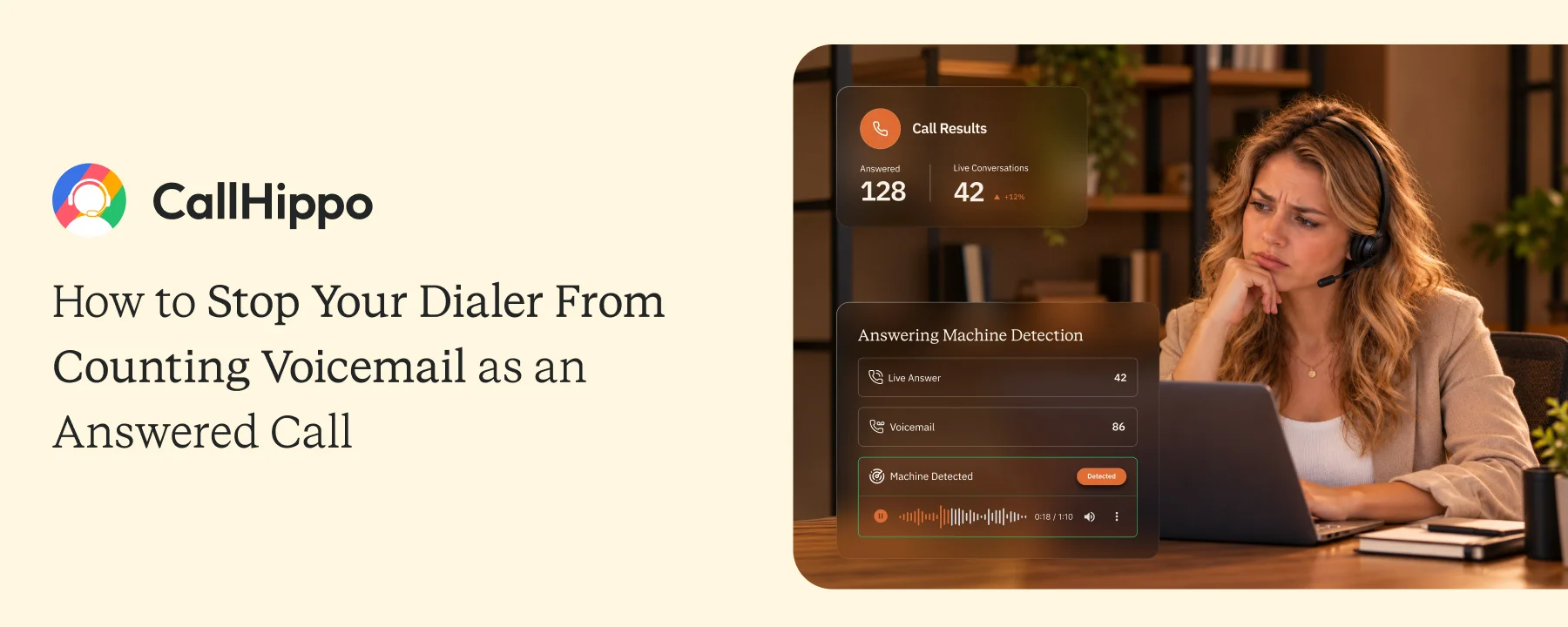
The gap is almost always the same culprit: voicemail counted as an answered call.
It inflates your numbers, hides your true connect rate, and quietly skews every decision built on that data.
Here is how to spot it, why it happens, and how to fix it.
Signs Your Dialer Is Counting Voicemail as Answered Calls
If your dialer shows 30% of calls answered but reps log far fewer conversations, voicemail is likely being counted as answered. The dialer marks a voicemail pickup the same way it marks a live person, so your answer rate looks healthy while real connections stay low.
1. Your Answered Count Is Higher Than the Conversations Reps Log
The clearest sign is a mismatch. The dashboard claims hundreds of answered calls, yet reps recall only a handful of real talks. Voicemail is filling the difference.
2. Short “Answered” Calls Cluster Around Voicemail Greeting Length
Look at durations. A pile of answered calls lasting 20 to 40 seconds usually means a greeting played, not a conversation.
| Symptom | Likely cause |
|---|---|
Why Dialers Can’t Differentiate a Voicemail Greeting From a Person by Default
The reason is built into how calls connect.
1. A Voicemail Pickup Sends the Same “Answered” Signal as a Person
When a line connects, the network sends an answered signal: a “SIP 200 OK”. A voicemail system sends the exact same signal as a human. To the dialer, the two look identical.
2. Carrier Voicemail and Early Answer Signals Make the Count Worse
Some carriers send that answered signal early, before anyone speaks. This is called early, or false, answer supervision. Without analyzing the audio, the dialer has nothing else to judge by.
 : How Voicemail Pickups Make Call Duration a Misleading SDR Metric
What Happens When Voicemail Is Logged as an Answered Call
The damage spreads through your whole operation.
1. Leads Get Marked “Contacted” and Drop Out of the Retry Queue
A machine pickup marks the lead as contacted, so it falls out of the retry queue. A warm prospect goes cold without anyone ever speaking to them.
2. Predictive Dialer Pacing Runs on an Inflated Answer Rate
Predictive dialers pace calls using your answer rate. When voicemail inflates that rate, the dialer slows down and reps sit idle between calls.
3. Abandoned-Call Rates Become Hard to Trust
If your answered count is wrong, your abandoned-call rate is wrong too. You lose a reliable read on both compliance and pacing.
4. CRM Records Show Conversations That Never Happened
Your CRM fills with contacts that never spoke to anyone, and reporting and forecasting inherit the error. See our July 9 post for the impact on rep metrics.
: How to Tell if Someone Blocked Your Number?How Answering Machine Detection Separates Voicemail From Live Answers
The fix is answering machine detection, which listens before it decides.
1. What AMD Listens For in the First Seconds of a Call
CallHippo’s Answering Machine Detection analyzes the first few seconds of audio. It weighs greeting length, the pause pattern, and the beep. A long, uninterrupted greeting signals a machine, while a short hello signals a person.
2. Choosing Between Fewer False Machines and Fewer False Humans
You can tune AMD’s sensitivity. Tighter settings catch more machines but risk cutting off a slow speaker. Looser settings protect live answers but let more voicemails through. Pick the balance that fits your list.
3. Where Voicemail Drop Fits After a Machine Is Detected
Once AMD flags a machine, you can drop a pre-recorded voicemail automatically and keep the rep free for live answers. CallHippo’s Answering Machine Detection handles this on outbound calls. Be clear-eyed, though: no AMD is perfect, and vendor claims of 95% and up use their own numbers.
: How to Build a Sales Call Cadence That Books Meetings (With Call and SMS Templates)How to Set Up Your Dialer So Voicemail Is Logged Separately
A few settings keep voicemail out of your answered count.
- Turn on AMD for every outbound campaign. In CallHippo, enable answering machine detection from your campaign settings before you dial.
- Give machine pickups their own call disposition, so voicemail never hides inside your answered total.
- Keep voicemail-answered leads in the retry cadence. CallHippo’s Attempt Manager returns these leads to the queue instead of closing them.
- Report live answer rate and machine answer rate separately. CallHippo’s call status report splits voicemail, live, missed, and busy.
- Listen to a sample of answered calls each month. Spot-check accuracy and adjust AMD sensitivity as needed.
Conclusion
A dialer that counts voicemail as answered lies to you quietly. It inflates your connect rate, drops warm leads, and fills your CRM with ghosts. Answering machine detection, a clean disposition, and separate reporting fix it. Measure live answers only, and every decision downstream gets sharper.

Frequently Asked Questions
1. Do calls answered by voicemail count toward the 3% abandoned call limit?
No. The abandonment rate is measured against calls answered by a person, so machine pickups are generally excluded. That is one more reason accurate detection matters.
2. Can answering machine detection itself cause abandoned calls?
Slightly. AMD needs a second or two to analyze audio, and that brief pause can cause a few drops. Careful tuning keeps it minimal.
3. Does answering machine detection work with power dialers or only predictive dialers?
Both. AMD runs on outbound calls regardless of the dialer type, whether power, predictive, or progressive.
4. Does AMD detect mobile carrier voicemail as well as personal greetings?
Yes, it detects both. Carrier voicemail and personal greetings each produce patterns AMD can usually recognize, though neither is caught perfectly.
5. Should reps leave a voicemail on every machine-answered call?
Not always. A dropped voicemail helps on some campaigns, but too many can hurt your number’s reputation. Use it selectively.
6. What is a normal live answer rate for outbound sales calls?
It varies by list. Cold outbound often sits between 2% and 15%, while warm lists answer much higher.
Published : October 19, 2026

Satyaki is an SDR Lead at CallHippo with over three years of experience in B2B and B2C SaaS sales, specializing in lead generation, pipeline management, and international markets. Passionate about building meaningful connections, he brings a strategic yet people-first approach to driving business growth.

Subscribe to our newsletter & never miss our latest news and promotions.
 24k+ people have already subscribed