

 Updated : June 15, 2026
“Call back later” is the most common follow-up status in B2B CRMs. It is also the one that hides the most risk.
A rep types those three words after a missed connect. The rep then moves on to the next number on the list. No date attached or owner named or record of what happened.
By the time someone else picks up the lead, it is cold. This blog is about what that costs you.
What “Call Back Later” Actually Means (And Why It’s Not a Plan)
“Call back later” is a label your CRM accepts. It is not a follow-up plan.
1. It Feels Like Progress, but It Isn’t
The rep made the call, the CRM accepted the status, and the dashboard logged the activity. By every internal measure, work happened. But the lead is no closer to a conversation than it was an hour ago. The rep moves on, and the lead stays cold.
2. What the Next Rep Sees When They Pick Up That Lead
Three weeks later, another rep opens the same lead. The CRM shows one line: “Call back later, 09 May.” No timestamp or notes or any record of what was tried. The new rep calls it fresh, with no context at all. The prospect picks up confused or annoyed. The deal stalls before it ever starts.
 : Why Your Dialer Fails During Live Campaigns (and What to Do About It)
What Happens to Your Pipeline When Follow-Up Has No Structure
The damage shows up in your pipeline metrics, but the cause stays invisible in the CRM. Here is what is actually happening to each lead.
1. Why Most Leads Get Two Attempts and Then Disappear
A report shows most B2B sales need 6 -12 touches over 2 – 4 weeks. The average rep stops after just two attempts. That gap is where the pipeline quietly dies.
- 1st attempt: logged as activity.
- 2nd attempt: logged as effort.
- 3rd attempt: rarely happens at all.
The lead exits the system without anyone noticing.
2. Two Reps Calling the Same Lead, Neither Knows It
Without attempt tracking, two reps can call the same lead in the same week. One rep dials Monday, another dials Wednesday.
The lead now feels harassed by your team. The manager has no view of the double-touch. The complaint reaches you through a customer email, not the CRM dashboard.
3. What Managers See vs What’s Actually Happening to Each Lead
Your dashboard shows activity at the team level. Each rep dialed their full list of numbers. Each rep logged their call dispositions properly.
The aggregate metrics look healthy on the surface. What the dashboard hides is whether each lead got a proper sequence. The unit you should track is the lead, not the dial.
: Your Reps are Calling at the Wrong Time, and it is Burning Your LeadsWhy Sales Teams Repeat This Pattern Even When They Know Better
You have probably told your reps to follow up more. You have probably built a “stay persistent” message into your weekly review. None of that has actually fixed the problem. The reason is structural, not a motivation issue. Reps are not lazy, and they are not undisciplined. Their tools are not built to support a real follow-up sequence.
A CRM Note Is Not a Follow-Up Plan
The CRM shows you a lead with a disposition. That is the entire data point it gives you.
- It does not tell the rep what attempt number this is.
- It does not show who called before.
- It does not show what the prospect said last time.
The rep is asked to remember a plan that nobody wrote down. The result is every lead handled differently, every follow-up improvised.
What a Proper Follow-Up System Actually Looks Like
A real follow-up system has three structural requirements. Skip any one of them, and you are back to “call back later.”
1. Every Lead Should Have a Set Number of Attempts Before It Moves On
Pick a number, usually five to eight, and stop guessing. Every lead enters the sequence and moves through defined stages. After the final attempt, the lead exits the active list. Reps no longer wonder when to stop calling.
2. Log What Happened, Not Just That You Called
A call disposition without context is just noise. The system should capture what actually happened on the call. The next rep should be able to read the last note and know exactly what to do.
3. Anyone on the Team Can See the Full History of Any Lead
A lead is a team asset, not a rep’s private file. Anyone picking up that lead should see every prior touch. Every call, every note, every outcome. This eliminates double-touches and lost context in one move.
| Before | After |
|---|---|
You Don’t Have to Build This Yourself
Building this from scratch inside your CRM takes months. The good news is you do not have to.
1. How Attempt Manager Handles This for You
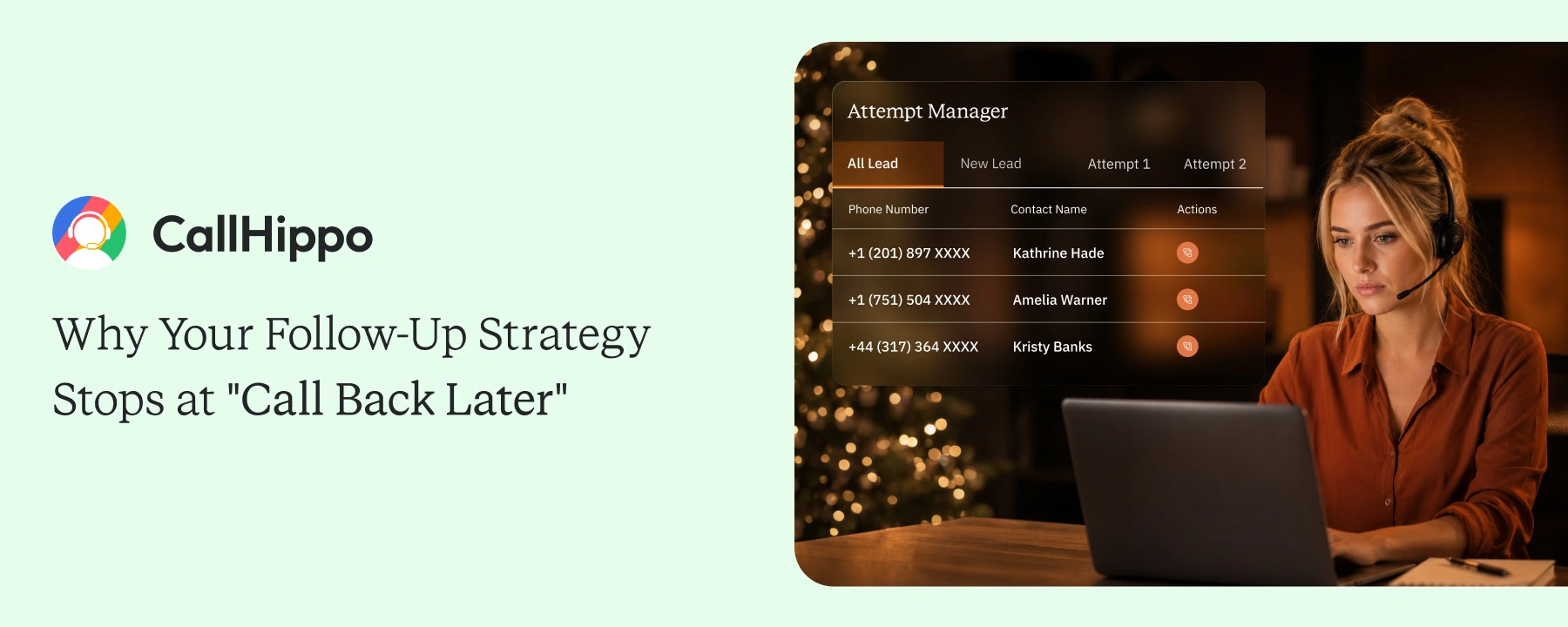
CallHippo’s Attempt Manager structures every lead through defined attempt stages. A lead starts at attempt 1 and moves through stages all the way to 7 or beyond. Every call against that lead logs automatically. The rep sees exactly what stage the lead is in.
2. What Reps See at Each Stage And What Managers See Across All of Them
The rep view shows attempt number, prior dispositions, and the next action. The manager’s view shows the entire campaign by stage.
You see how many leads sit at attempt 1, attempt 3, or attempt 6. You see which stages are killing your conversion. The auto dialer connects all of this in real time as reps work the list.
3. How to Set Attempt Limits When Setting Up a Campaign
Setup takes minutes. Pick the maximum attempt count for each campaign. The system handles the rest from there.
: Best Auto Dialer Software Tools: Tested and Ranked for Outbound Sales TeamsConclusion
“Call back later” is a label your CRM accepts, and your team forgets. The cost is invisible until your churn dashboard shows up next quarter. By then, the leads are cold, and the pattern is set.
Fixing the structure has to come first. Define how many attempts each lead deserves. Make every touch visible to the next rep who opens that record. Track progress at the lead level, not the dial level. The rest of your pipeline math will follow. Teams that fix the structure outperform the ones still blaming the reps.
| Before | After |
|---|---|
Frequently Asked Questions
1. Can I set different attempt limits for different lead types or campaigns?
Yes. Attempt Manager lets you configure different limits per campaign or lead source. High-intent leads can have shorter sequences. Cold lists can run longer sequences. The setup takes minutes per campaign.
2. What happens to a lead after it completes all attempt stages?
After the final attempt, the lead exits the active call list automatically. It moves to a “completed” bucket for later review. You can run a re-engagement campaign on these leads weeks or months later.
3. CallHippo’s attempt manager works with which CRM?
CallHippo integrates natively with 100+ CRMs, including Salesforce, HubSpot, Zoho, and Pipedrive. Every attempt logs to the right contact record automatically. No manual data entry is required.
Published : June 12, 2026

Shantanu Thakur is a Product Consultant at CallHippo with expertise in B2B software sales. With a background in sales development, he brings strong skills in client prospecting, negotiation, and business growth to help companies find the right solutions for their needs.

Subscribe to our newsletter & never miss our latest news and promotions.
 24k+ people have already subscribed



