

 Updated : May 15, 2026
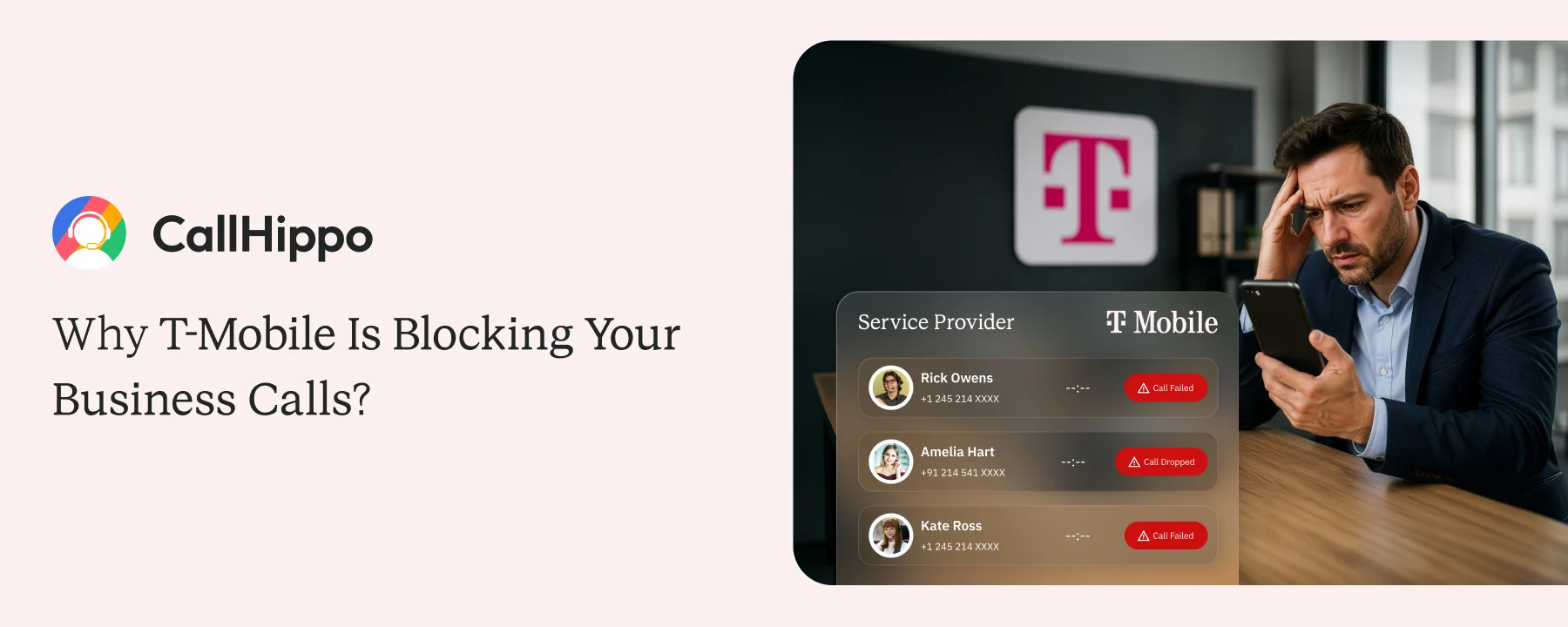
T-Mobile is blocking more business calls than most companies realize, hurting outbound connect rates and pipeline generation. If your sales calls are getting flagged as spam or never reaching prospects, carrier-level call blocking could be the reason.
This blog explains why T-Mobile blocks business calls, what triggers spam labeling, and how you can protect your numbers and improve answer rates.
What the SIP 603 Error Actually Means?
A SIP 603 is the code your dialer logs when a call gets rejected. The label reads “Declined.” In 2026, that almost always means T-Mobile’s analytics declined, not the recipient.
If your dashboard reports plain 603 across thousands of dials, you have a visibility gap, not a call quality gap.
1. SIP 603 vs. 603+: What Changed in March 2026
Since March 26, 2026, the FCC requires carriers to use code 603+ when their analytics cause the block. Most dashboards still log only plain 603, which hides the actual cause from your team.
2. SIP 607 and SIP 608: Other Blocking Codes You Might See
SIP 607 means the recipient marked the call as unwanted. SIP 608 means a third-party spam filter rejected it. Both point to reputation damage, just at different layers of the network.
3. Is It the Recipient Declining or T-Mobile Blocking?
Instant rejection with no ringtone means T-Mobile blocked the call. A genuine human decline almost always involves at least one ring first. That difference is your signal.
- 85% of Tier-1 US carrier voice traffic is now SHAKEN/STIR signed.
- Calls without A-level attestation get treated as elevated risk by T-Mobile's analytics. Most outbound VoIP calls from unregistered platforms arrive at the C-level or unsigned.
Why T-Mobile Blocks More Business Calls Than Other Carriers?
T-Mobile is the most aggressive Tier-1 carrier for outbound business calls. Its Scam ID is on by default for every T-Mobile and MetroPCS subscriber and applies before the phone rings.
1. How T-Mobile’s Spam Filter Decides to Block Your Call?
T-Mobile scores every incoming call in real time on three things:
- Number reputation
- Daily call volume
- Answer rate over the past 30 days
A low score triggers a block, and the recipient never sees the call.
 : What is Carrier Voicemail and How to Manage It?
2. The Companies Behind T-Mobile’s Blocking Decisions
T-Mobile relies on analytics from First Orion and TNS, the same vendors that power Hiya. Their reputation data feeds straight into T-Mobile’s network-level blocking.
3. Why This Problem Affects More Calls Than You Think?
T-Mobile’s network also powers Mint Mobile, Google Fi, Metro, US Mobile, and other MVNOs. The pool of customers affected by its blocking decisions is far larger than its own subscriber base.
| Carrier | Default Blocking | Affected Subscribers |
|---|---|---|
How Your Number Gets Flagged as Spam?
Reputation damage builds quickly when calling patterns look automated. T-Mobile’s rejection often reads “The term-end subscriber may have an account-related matter.”
It sounds like the recipient has a billing issue, but they don’t. This is T-Mobile’s analytics in disguise.
1. The Calling Habits That Get Your Number Flagged
Flagging happens in a chain:
- High call volume triggers a spike
- Analytics catches the spike
- Consumer spam reports confirm it
- The carrier blocks the number
: Why Your Outbound Numbers are Getting Flagged as SpamOnce the number is flagged or blocked, recovery takes weeks.
| Calling Pattern | Risk Level |
|---|---|
2. Why Replacing One Number Is Not the Full Answer?
A new number buys two weeks of clean calls. Without fixing the calling pattern behind it, that number gets flagged the same way. Rotation fixes the cause, not replacement.
- T-Mobile's blocking message often implies the recipient has an account issue, but they do not.
- Businesses have delayed action for weeks, assuming the customer needed to call T-Mobile. The actual fix is on your side.
What SHAKEN/STIR is and Why T-Mobile Uses it to Judge Your Calls?
SHAKEN/STIR is a system that US carriers use to verify that a call is coming from a number the caller is actually authorized to use. The cleaner the verification, the higher the trust score T-Mobile applies.
1. What Attestation Levels A, B, and C Mean in Practice?
Three levels exist, and each one signals something different to T-Mobile.
| Attestation Level | T-Mobile Risk Treatment |
|---|---|
2. What Happens When Your Calls Arrive Without Verification?
If your provider sends calls at the C-level or unsigned, T-Mobile’s analytics treats them as suspicious by default. Even a clean number with a normal calling pattern can get blocked simply because the attestation is missing.
- SHAKEN/STIR compliance is mandatory for all US gateway providers under FCC Order 21-402.
- Ask your VoIP provider for written confirmation that your outbound calls carry A-level attestation. Without it, your infrastructure is non-compliant, regardless of call volume.
How to Get Your Business Calls Through to T-Mobile Numbers Again?
Five steps, in order. Follow them sequentially, and most numbers can be cleared within two to four weeks.
Step 1: Report Your Number Directly to T-Mobile
Submit your number at callreporting.t-mobile.com with your business name and use case.
Turnaround: 5 to 10 business days.
Step 2: Register With FreeCallerRegistry
Register every business number at freecallerregistry.com. This single registration sends your details to First Orion, TNS, and Hiya at once.
Turnaround: 7 to 14 days.
Step 3: File Removal Requests With AT&T, Verizon, and Sprint
Submit removal requests through each carrier’s portal, plus Hiya, Robokiller, and Truecaller. Different carriers trust different vendors.
Step 4: Fix How Your Team Is Dialing
Spread volume across multiple numbers, cap dials per number at 100 a day, and stop redialing non-answers within 24 hours.
Step 5: Check Whether Your Phone System Handles This Automatically
Most platforms support rotation, but ship it off by default. Confirm your dialer offers SHAKEN/STIR attestation, auto rotation, and per-number health alerts.
CallHippo’s Auto Rotate rotates calls across verified numbers automatically and signs every US call at A-level attestation by default.
- For a 20-person team averaging 80 calls per day each, one flagged number creates 1,600 unreachable dials per day before the "Spam Likely" label even appears.
- Most platforms do not alert you. The first signal managers usually get is reps complaining about call quality, by which time the damage has compounded.
What Your Business Phone System Should Be Doing for You?
Use this as a vendor accountability checklist. If your provider is not doing all three things below, your reputation is at risk every day a campaign runs.
1. Every Outbound Call Should Be Verified Before It Leaves Your System
Your provider should sign every US outbound call with A-level SHAKEN/STIR attestation by default. CallHippo does this on every US number, with no extra setup required.
2. Your Numbers Should Rotate Before They Accumulate Spam Flags
Auto Rotate is what protects you here. CallHippo’s Auto Rotate cycles calls across your number pool automatically, so no single line carries the full volume. It is one of the simplest fixes that most teams never turn on.
3. Your Team Should Never Be the First to Know a Number Is Blocked
Real-time call analytics should flag a number the moment its health changes. CallHippo’s reporting surfaces this for managers before reps even notice.
: Your Reps are Hitting Call Targets, But Your Pipeline is EmptyConclusion
T-Mobile is going to keep blocking calls. Carriers are going to keep tightening their filters. The fix is not new numbers; it is a calling system built around rotation, attestation, and visibility. CallHippo’s Auto Rotate solves the rotation half automatically. The question is whether your current provider is doing the same.

Frequently Asked Questions
1. What does SIP 603 Decline mean?
It is the technical code logged when a call is rejected. In 2026, most business-context 603s come from T-Mobile’s analytics, not the recipient.
2. Does SIP 603 always mean T-Mobile blocked my call?
No, but if the rejection is instant with no ring, T-Mobile blocked it. Genuine human declines almost always involve at least one ring first.
3. How long does it take to fix a flagged number?
With all five steps completed, expect 2 to 4 weeks. Using Auto Rotate going forward prevents the next flag from happening.
4. Will SHAKEN/STIR stop T-Mobile from blocking my calls?
A-level attestation reduces blocking but does not eliminate it. Calling pattern still matters. Pair attestation with Auto Rotate for the best protection.
Published : May 14, 2026

Shantanu Thakur is a Product Consultant at CallHippo with expertise in B2B software sales. With a background in sales development, he brings strong skills in client prospecting, negotiation, and business growth to help companies find the right solutions for their needs.

Subscribe to our newsletter & never miss our latest news and promotions.
 24k+ people have already subscribed



