

 Updated : November 24, 2026
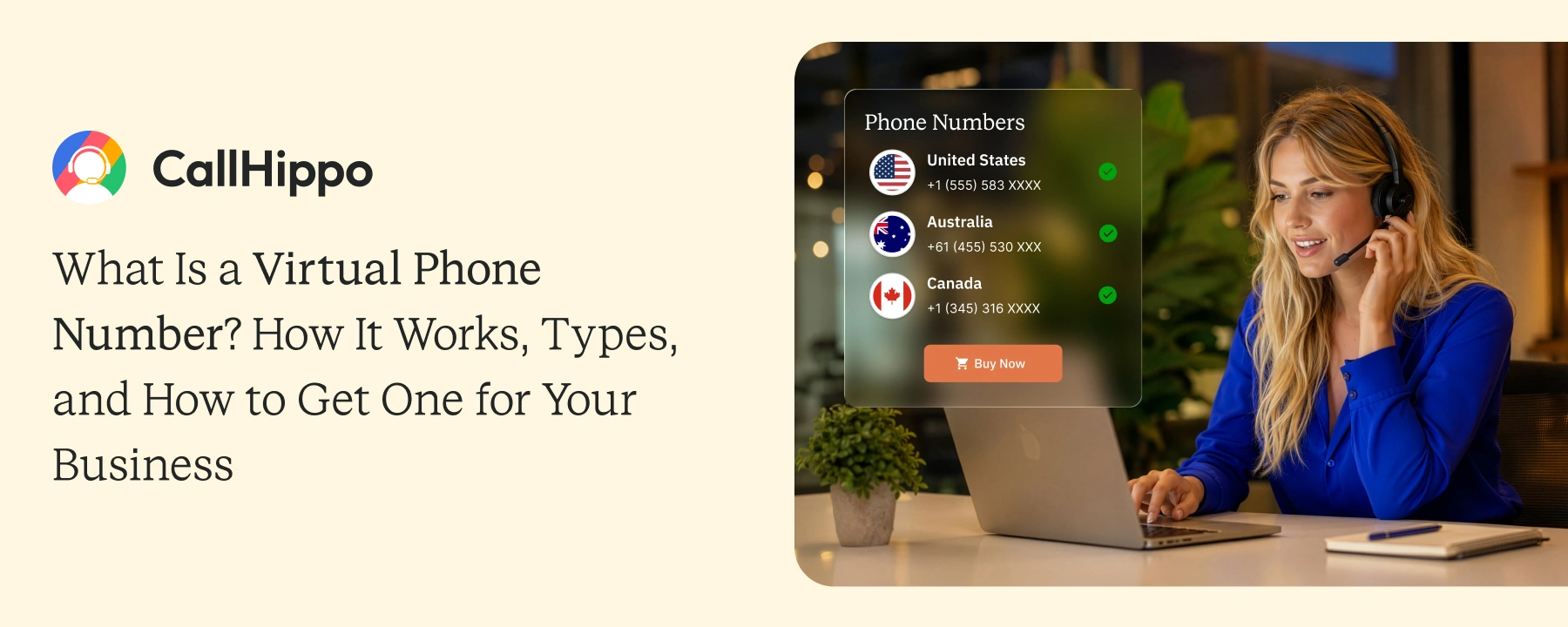
A virtual phone number is a real telephone number that is not tied to a SIM card or a desk phone and works over the internet. It rings on a mobile app, desktop app or web browser, so you can call and text without a traditional landline.
This blog covers what a virtual phone number is and how it works. It also covers the four types, key features, and limitations to know.
By the end, you will know how to pick the right virtual phone number for your business.
If you’re ready to get a virtual phone number for your business, CallHippo lets you pick numbers in 150+ countries and start a free trial.
What Is a Virtual Phone Number?
A virtual phone number is a real business phone number that runs over the internet, not a SIM card or landline. It works on mobile, desktop, or desk phones. Teams use it to share one business line across the company while keeping personal numbers private.
How Do I Get a Virtual Phone Number?
To get a virtual phone number, choose a provider, pick a local, toll-free or international number, sign up, and open the app or browser dialer. With CallHippo the setup takes about 3 minutes and starts with a 10-day free trial. Then set call forwarding, IVR and voicemail so the number rings on any device.
| Step | Action | What to do |
|---|---|---|
| 1 | Choose a provider | Compare providers on number coverage, CRM integrations, number portability and compliance. Check that the plan includes the number type you need. |
| 2 | Pick a number type and country | Choose a local, toll-free or international number for the country you want to reach. |
| 3 | Sign up and activate the number | Create your business account and select the number. With CallHippo this takes about 3 minutes and starts with a 10-day free trial, no credit card required. |
| 4 | Set up call handling and start calling | Set call forwarding, IVR and voicemail so the number rings on any device. Then make and receive calls from the app or browser dialer. |
How to Get a Virtual Phone Number With CallHippo in 3 Minutes
Setting up a virtual phone number with CallHippo takes just a few minutes. Here is the exact flow most teams follow.
- The 3-minute setup claim is accurate for the number itself. A full team deployment with routing rules, CRM sync, rep assignments, and call recording policies takes most teams 1 to 2 hours.
- Build this into your go-live plan, not your evaluation timeline.
What we found: During our testing, from signup to first live call took 7 minutes for a single user. The longest step was CRM authentication, not the number setup itself.
- Sign up at callhippo.com and create your business account.
- Pick your country and choose a local or toll-free number.
- Connect your CRM. Salesforce, HubSpot, Zoho, and Pipedrive are supported natively.
- Assign reps to the number and configure the system as per your requirements.
- Start making and receiving calls from web, mobile, or desk phone.
- CallHippo is rated 4.5 on G2 by 400 verified users. Setup speed and CRM sync are the most commonly praised features. Virtual phone number apps run on iOS, Android, and any browser.
How Long Does It Take to Get a Virtual Phone Number?
A new virtual phone number can be active within minutes. With CallHippo, setup takes about 3 minutes. A full team deployment with routing rules, CRM sync, rep assignments and call recording policies takes most teams 1 to 2 hours. Porting an existing number takes longer, usually 2 to 4 weeks, depending on your current carrier.
The Four Types of Virtual Phone Numbers and When Each One Applies
Virtual phone numbers come in four main types. Each one serves a specific business need.
| Type | What It Is | Best For | Example |
|---|---|---|---|
| Local Number | A number with a local area code | Connecting with customers in a specific city | (415) 555-XXXX for San Francisco |
| Toll-Free Number | A nationwide number is free for callers | Customer support and brand consistency | 1-800-XXX-XXXX |
| International Number | A local number in another country | Expanding into new markets without offices | +44 20 XXXX for London |
| Vanity Number | A number that spells a word | Branding and marketing campaigns | 1-800-FLOWERS |
- Local numbers led the virtual phone number market in 2025. They took a 42.8% share worth roughly $3.51 billion. Businesses want to look local in every region they target.
Can I Get a Personal Virtual Phone Number or a Virtual Cell Number?
Yes. A virtual number rings on mobile, desktop or desk phones, so you can keep personal and business calls separate on the same device. A virtual cell phone number is usually the same thing: a number that runs over the internet with no SIM card. The label changes by provider, so check whether the number handles the calls and messages you need before you buy. You can get a local phone number or an international phone number from CallHippo.
Can I Get a Virtual Toll-Free Number?
Yes. CallHippo offers local, toll-free and international virtual numbers in 150+ countries. With a toll-free number, callers do not pay for the call and your business covers it. It works well for customer support and brand consistency. See US toll-free numbers for details.
Six Business Scenarios Where a Virtual Number Makes a Measurable Difference
Picture a 75-person sales team scattered across three time zones. Or a founder who finally wants to stop giving clients their personal mobile. A virtual phone number for business solves real problems for these teams every day.
Here are six scenarios where a virtual number makes a measurable difference.
1. Your Team Is Distributed Across Cities or Countries
Distributed teams need one shared business phone number that follows them. A virtual number rings on every rep’s device, regardless of where they sit. Customers get a consistent point of contact every time they call. Reps stay reachable on whatever device they prefer.
2. You Are Expanding Into a New Market Before Opening an Office
A local virtual number gives you a presence in a new market overnight. Customers see a number they recognize from their region. You can test demand and run outbound before signing an office lease.
3. Your Sales Team Is Getting Flagged as Spam
Cold dials from out-of-area codes trigger spam filters and silent rejections. A local virtual phone number matches the prospect’s area code. Pickup rates rise significantly when the number looks familiar to the buyer.
4. You Need to Track Which Marketing Channels Drive Calls
Assign a different virtual number to each ad campaign or landing page. Calls route to the same team but track back to the source channel. You finally see which marketing channels are actually driving phone calls.
5. You Want to Stop Taking Business Calls on Your Personal Mobile
A virtual number keeps your personal phone separate from work. Business calls ring through the app, not your SIM card. Loved ones stop calling you during a client demo by accident.
 : Best Free Virtual Phone Number Providers
6. Your Support Team Needs Every Call Logged Into the CRM
Virtual numbers integrate with your CRM for automatic call logging. Every call gets recorded, transcribed, and attached to the right contact in real time. Sales reps stop typing call notes manually after every call.

CallHippo's virtual phone number rings on mobile, desktop, and browser, so that no calls are missed.
Key Features to Check in a Virtual Phone Number
Not all virtual phone numbers come with the same features. Use this table to compare what each provider actually offers.
| Feature | Why It Matters | What to Verify Before Buying |
|---|---|---|
| Call Forwarding | Routes calls to any device or team member | Forwarding to mobile and desktop without extra cost |
| IVR / Auto-Attendant | Allows callers choose from a menu and route them to the right team. | Custom menu options and 24/7 availability |
| CRM Integration | Logs every call automatically into your CRM | Native sync with Salesforce, HubSpot, and Pipedrive |
| Call Recording | Captures conversations for training and compliance | Storage duration and encryption standards |
| Number Portability | Allows you to bring your existing number along | Estimated porting time (typically 2 to 4 weeks) |
| International Availability | Expands your reach into new markets | Local number coverage in your target countries |
Virtual Phone Number vs Traditional Landline vs VoIP Phone System
Three options compete for your business phone budget in 2026. Each one fits a different team and stage.
| Criterion | Traditional Landline | VoIP Phone System | Virtual Phone Number |
|---|---|---|---|
| Hardware required | Yes, desk phones and wiring | Optional, IP phones or apps | None, app only |
| Geographic restriction | Yes, tied to one location | None, works anywhere | None, works anywhere |
| Setup time | 1 to 4 weeks | 2 to 5 days | Under 5 minutes |
| Cost per user | $50 to $100/month | $20 to $50/month | $10 to $30/month |
| CRM sync | None | Available | Available |
| Scalability | Hard, requires new lines | Easy, adds seats | Easy, adds numbers |
| Emergency calling | Yes, built in | Available with config | Limited, needs setup |
Which Option Is Right for Your Business Situation?
- Traditional landlines fit teams that already own the hardware and rarely move.
- A VoIP phone system fits offices with 25 or more seats and stable infrastructure needs.
- A virtual phone number fits remote, hybrid, or growing teams that need flexibility.
For a deeper look at the VoIP option, see our virtual phone system guide.
The Limitations Worth Knowing Before You Switch to a Virtual Number
Virtual phone numbers are not a silver bullet. Knowing the trade-offs helps you avoid surprises after switching.
1. Number Reputation and Spam Flagging on High-Volume Outbound Calls
Virtual numbers can get flagged as spam if used for high-volume cold outbound. Carriers detect unusual patterns and apply spam labels automatically. Pick a provider that handles number reputation actively. Smart number rotation helps spread the load across multiple lines.
2. Emergency Calling Does Not Work the Same Way as a Landline
Virtual phone numbers do not always route 911 calls to the right local dispatcher. Most providers require you to register an address for emergency calls. Verify this during setup to avoid risk during real emergencies.
: How to Get International Prospects to Actually Pick Up Your Calls3. Free Plans Are Real Numbers but Not Real Business Tools
Free virtual phone numbers exist, but they come with serious limits. Most caps usage is at 100 to 500 minutes a month. Ads, number expiry, and missing compliance features make them unsuitable for business use beyond a quick trial.
- Virtual numbers assigned from shared number pools, common with free and entry-level plans, can inherit spam flags from previous users on the same number.
- Before committing to a provider, ask how numbers are assigned and whether dedicated numbers are available on your plan.
Conclusion
A virtual phone number is the simplest upgrade most growing businesses can make in 2026. It removes hardware costs, scales with your team, and works from any device. For a distributed sales team or a remote support desk, it is the default starting point. Pick a provider with the right CRM integrations, number portability, and global coverage. Then set up routing carefully so the right calls hit the right reps.
CallHippo checks all of those boxes for growing teams. It offers virtual numbers in 150+ countries and connects with 100+ CRMs. Salesforce, HubSpot, and Zoho all sync out of the box. Number portability comes built in when you scale across regions. Setup takes minutes, not days, and works for sales and support teams from day one.

With CallHippo, you can choose a local or toll-free number and start making calls straightaway
Take a 10-Day Free Trial No credit card required!FAQS
1. What is the Difference Between a Virtual Phone Number and a VoIP Phone System?
A virtual phone number is one phone line that routes calls through the cloud to any device. A VoIP phone system is the full platform that powers many such lines for an entire business. A small team may need just the number. A larger team needs the full VoIP phone system.
2. Can I Keep My Existing Phone Number When Switching to a Virtual Provider?
Yes, most virtual phone providers support number porting. The process takes 2 to 4 weeks, depending on your current carrier. You will need a recent phone bill, a signed Letter of Authorization, and proof of address. Verification moves faster when you submit the right documents upfront.
3. Is a Virtual Phone Number Safe to Use for Business?
Yes, when you pick a provider with the right compliance certifications. Look for SOC 2, GDPR, ISO, and HIPAA where applicable. Verify call encryption in transit and at rest. Avoid free plans for any business that handles customer data or sensitive information.
4. Do Virtual Phone Numbers Work for Emergency Calls?
Yes, but the setup is different from a traditional landline. You must register a physical address with your provider for 911 routing. Without that, an emergency call may not reach the nearest dispatcher. Always test the setup once after signup to confirm it works.
5. How Much Does a Virtual Phone Number Cost Per Month?
The cost depends on the provider, the plan and the type of number you choose, such as local, toll-free or international. Free plans exist, but they limit minutes and features. Higher plans usually add things like international numbers and CRM sync, so compare what is included before you decide. With CallHippo you can start with a 10-day free trial, no credit card required.
6. How Do I Get a Virtual Phone Number?
Choose a provider, pick a local, toll-free or international number, sign up, and open the app or browser dialer. With CallHippo the setup takes about 3 minutes and starts with a 10-day free trial. Then set call forwarding, IVR and voicemail so the number rings on any device.
7. How Long Does It Take to Get a Virtual Phone Number?
A new virtual phone number can be active within minutes. With CallHippo, setup takes about 3 minutes, and a full team deployment with routing, CRM sync and rep assignments takes most teams 1 to 2 hours. Porting an existing number takes 2 to 4 weeks, depending on your current carrier.
8. Can I Get a Virtual Toll-Free Number?
Yes. CallHippo offers local, toll-free and international virtual numbers in 150+ countries. With a toll-free number, callers do not pay for the call and your business covers it.
9. Can I Use a Virtual Phone Number on My Own Mobile?
Yes. A virtual number rings on mobile, desktop or desk phones, so you can take business calls on your own mobile without sharing your personal number. CallHippo has apps for iOS and Android, and it also works in a browser.
10. Is a Virtual Phone Number the Same as a Virtual Cell Phone Number?
In most cases, yes. Both are numbers that run over the internet with no SIM card. The label changes by provider, so check what the number supports, such as calls and messages, before you buy.
Published : June 10, 2026
Vihar Naik is a Senior Marketing Professional at CallHippo, specializing in propelling growth through impactful content and product-driven strategies. With deep expertise in virtual telephone systems, he creates resources that simplify technology and help businesses enhance communication, improve customer experience, and scale effectively.

Subscribe to our newsletter & never miss our latest news and promotions.
 24k+ people have already subscribed