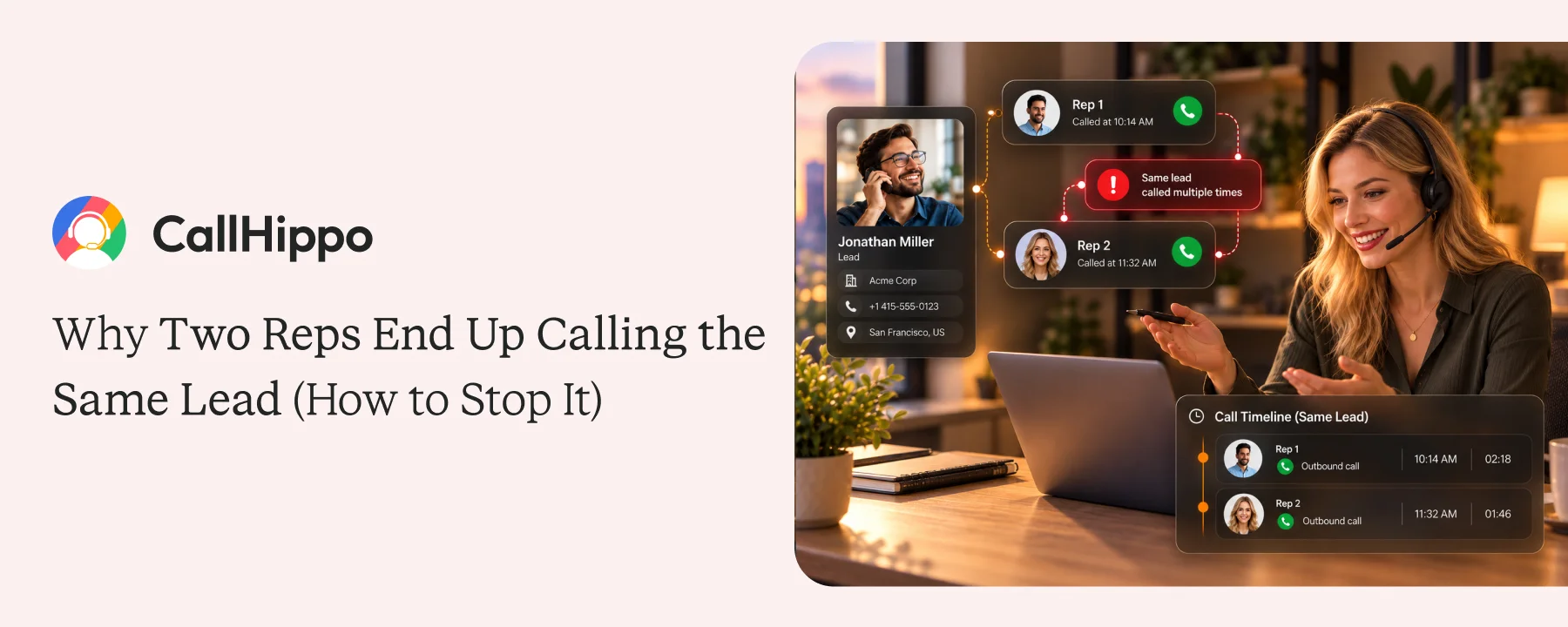
Sticky Agent Routing
Returning callers reach the agent they last spoke with, or who last called them. Customers skip the recap, and agents pick up where they left off.

Trusted by 5000+ companies


How Sticky Agent Works
Sticky Agent looks at the call history between a customer and your agents. When that customer calls a number with the feature on, CallHippo tries the agent they dealt with last.
Based on Call History
The match comes from previous calls, including calls your agent made to the customer.
Set per Number
You switch Sticky Agent on for each number separately, so you can use it on support lines and leave it off elsewhere.
New Callers Unaffected
First-time callers with no history follow your normal call distribution settings.
Choose How Strictly Calls Stick
Pick the binding mode that fits your staffing. Admins can switch between modes at any time.
- 10-day free trial.
- No credit card required.
Strictly Bind
Calls go only to the customer's last agent. If that agent is busy or offline, the call goes to voicemail rather than another agent.
Loosely Bind
CallHippo tries the last agent first. If they're unavailable, the call moves to other agents under your standard routing.
Shift-Friendly Setup
For rotating shifts, CallHippo recommends Loosely Bind, so callers still reach someone when their agent is off.
Let Customers Talk to Someone Who Knows Them
A support customer who calls back about an open issue reaches the agent already handling it. A prospect returning a sales rep's call gets that rep, not a stranger.
Start Free Trial- 10-day free trial.
- No credit card required.
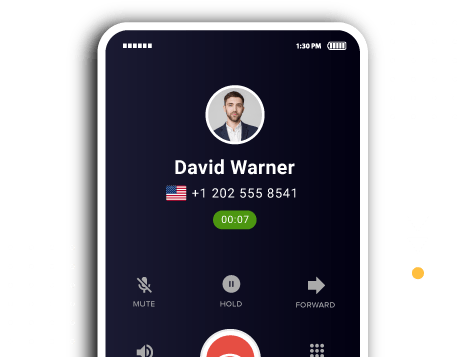
Benefits of Sticky Agent
Continuity on the phone helps both sides of the call.
- 10-day free trial.
- No credit card required.
Faster Resolutions
Customers don't repeat their story, and agents already know the background, so issues get resolved faster.
Stronger Relationships
Talking to the same person builds trust and encourages customers to keep doing business with you.
Personal Service
Agents can tailor their help based on earlier conversations with that customer.
Connect the Apps Your Agents Use
Connect CallHippo with the CRM and helpdesk apps your agents work in every day, from the App Marketplace.

Pipedrive
Sales Automation
Zapier
Sales Automation
HubSpot
CRM
Slack
Productivity
Salesforce
Sales Automation
Shopify
E-Commerce
Zendesk
Helpdesk
Intercom
Helpdesk- 10-day free trial.
- No credit card required.
Features That Complement Sticky Agent

Call Monitoring
Supervisors can follow live calls on the dashboard and support agents with returning customers.

Smart Switch
Keeps calls connecting by moving to another telephony provider if one fails.
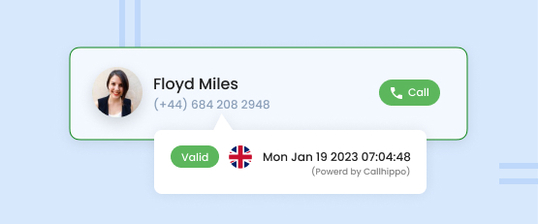
Global Connect
Before calling an overseas customer back, see their local time and date.

Smart Call Forwarding
Agents away from the dialer can have calls forwarded to their own phone.

Call Transfer
If the familiar agent needs a specialist, they can transfer the caller warm or cold.
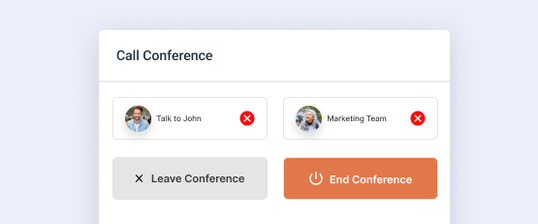
Call Conference
Bring a specialist into the call while the customer stays with their usual agent.

Call Queuing Software
When several customers call at once, a queue lines them up rather than letting calls ring out.
Call Barging
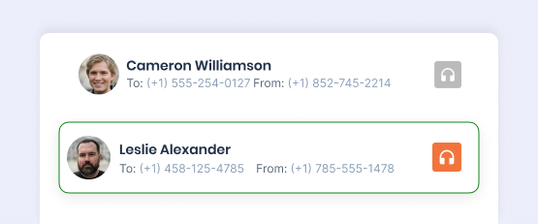
Owners, admins and managers can join an agent’s call to help resolve a tricky case.
Call Recording
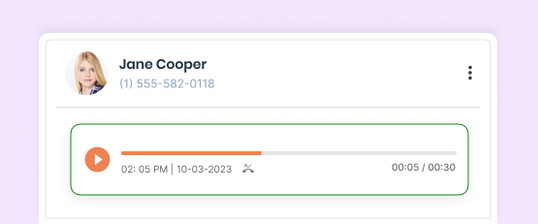
Recordings of past calls help any agent understand a customer’s history.
Voice Mail
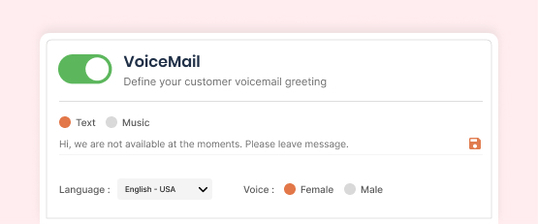
In Strictly Bind mode, callers whose agent is unavailable can leave a voicemail for that agent.
Call Analytics
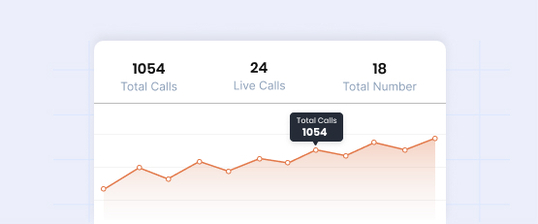
Measure call volume, duration and answer rate for each team.
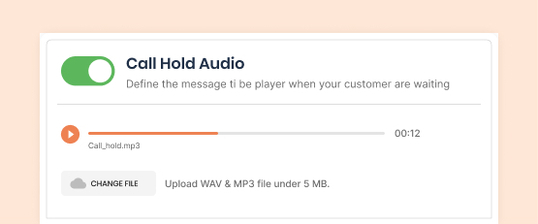
Call Hold Audio
Callers waiting in a queue hear your chosen music or message.
Pricing
-

 Calling
- Pay Only for Numbers
- Voicemail
- Click to Dial
- Business Hours
Define operating hours for each number to route calls appropriately.
- Smart Failover System
If a call fails to complete, Attempt Manager surfaces it for retry on a number you've assigned to the campaign, improving call connection success rates.
-

 Messaging
- SMS (Text messages) & MMS
- WhatsApp Business API
 Platform
- 2FA
Add an extra security layer by requiring a verification code in addition to your password.
- Desktop & Mobile Apps
-
Calling
- Unlimited Minutes (Includes Both Landline & Mobile Calling)
Shared pool of free calling minutes for your entire team. Valid for manual dialing to standard US/Canada numbers only.
- Forward to Device Automatically route incoming calls to your mobile or alternative device to never miss calls.
- Ring All Devices Ring simultaneously on all your logged-in devices (desktop, mobile, browser) for every call.
- Country Blocking Restrict outbound calls to specific countries to prevent unauthorized international dialing.
-
Messaging
-
100 SMS (Text Messages)
Standard A2P charges apply.
- SMS Templates Create and save message templates for one-click texting with consistent communication.
- Free Omnichannel Inbox


-

 Analytics
- Basic Report Analytics
- Call Logs (1 month) Access detailed records of all calls including duration, outcome, recordings, and participant information.
- Audit Logs Track all account changes and user actions for security, compliance, and accountability.
-
 Integrations
-
ZZapierSSlack50+WWebhook



 Popular
-
Calling
- Unlimited Minutes (Includes Both Landline & Mobile Calling)
Shared pool of free calling minutes for your entire team. Valid for manual dialing to standard US/Canada numbers only.
- Call Recordings Record and store calls for quality monitoring, training, and compliance.
- Multilingual IVR Offer IVR menu options in multiple languages to serve diverse customer bases.
- Call Distribution (Cascading) Route calls to agents in a priority sequence until someone answers.
- Custom Greetings Upload personalized welcome messages for callers to hear when they reach your number.
-
Messaging
-
500 SMS (Text Messages)
Standard A2P charges apply.
-
Analytics
- Reports / Analytics Get detailed insights and summarized analytics on team's calling performance.
- AI Voicemail Transcription Automatically convert voicemail audio to text for faster message review.
- Call Logs (Lifetime)
- Role Based Access Control Assign specific roles with tailored permissions to control what each user can view and manage.
- Call Transcription
-
Integrations
-
HHubSpotSSalesforcePPipedrive50+ZZoho
-
Calling
-
Unlimited Minutes (Includes Both Landline & Mobile Calling)
Shared pool of free calling minutes for your entire team. Valid for manual dialing to standard US/CA numbers only.
- Smart DID Routing Automatically routes calls to the best available agent based on real-time data.
- Multilevel IVR Create multi-step phone menus to route callers to the right department or person automatically.
- Call Blocking Block unwanted callers and spam numbers to keep your team focused on quality conversations.
- Holiday Routing Configure special call handling and greetings for holidays and non-business days.
- CRM-Based VIP Routing Route calls automatically to the correct contact/lead owner based on CRM information.
-
Messaging
-
1000 SMS (Text Messages)
Standard A2P charges apply.
- Analytics
- Call Summary
-
 Enterprise
- Single Sign-On (SSO) Log in once to access CallHippo and all integrated tools with your company credentials.
- Custom Integrations Build advanced integrations with your systems—add click-to-call anywhere, sync call data with custom logic, and create workflows specific to your business.
- Dedicated Account Manager Resolve account queries efficiently with dedicated account manager.
- Personalized Onboarding Experience personalized onboarding for a tailored start.
- 24×7 & Phone Support
-
Integrations
-
HHubSpotSSalesforceZZoho50+ZZendesk
Explore More Call Center Features
Sticky Agent is one part of CallHippo’s call center toolkit. Browse the features below.
-
International Phone numbers
-
Bulk SMS/MMS
-
Call Center Analytics
-
Forward to Voicemail
-
Toll-free numbers
-
Appointment Scheduler
-
Call Monitoring
-
Office Hours
-
Record Calls
-
Auto Dialer
-
Call Whispering
-
Caller Id
-
Virtual Call Center
-
Predictive Dialer
-
Share Phone Number
-
Call Queues
-
Forward to your phone
-
SMS Bot

Automatically dial from a list to reduce manual work and increase the number of outbound calls.
Start Free Trial- 10-day free trial.
- No credit card required.
Hear From Our Customers

CallHippo went an extra mile and suggested a perfect solution. As of now, all of our numbers are clean and have the highest attestation score.


-
A routing setting that connects a returning caller to the agent they last spoke with, or who last tried to reach them. It works per number and relies on call history.
-
Strictly Bind rings only the last agent and sends the call to voicemail if they're unavailable. Loosely Bind tries that agent first, then passes the call to others under your normal routing.
-
In the dashboard, open Numbers, click the settings icon for the number, go to Sticky Agent, switch on the toggle and choose a binding mode.
-
That's expected with Sticky Agent on, because calls go to the caller's last agent. Switch to Loosely Bind if you want calls to fall back to other users.
-
No. You turn it on one number at a time, and each number keeps its own setting.
-
Usually the number they called doesn't have Sticky Agent on, they're calling from a different phone number, or there's no earlier call history to match.