
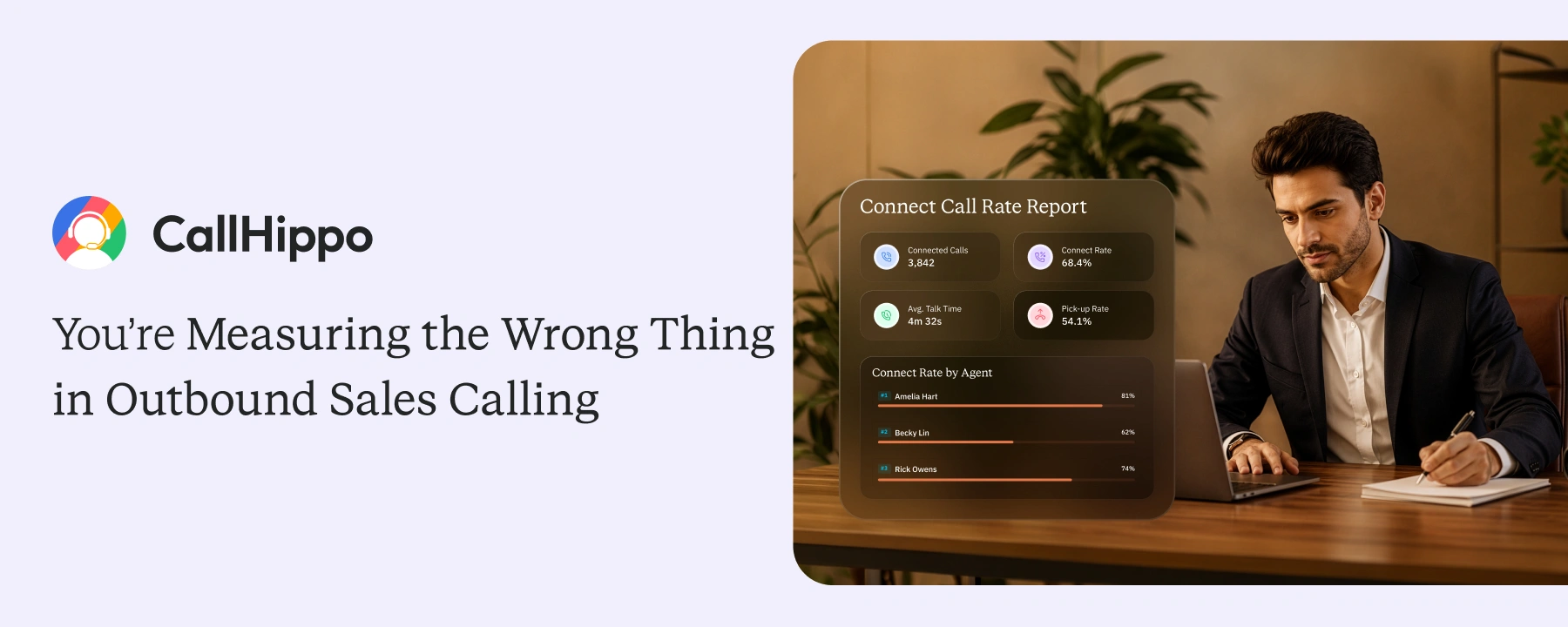
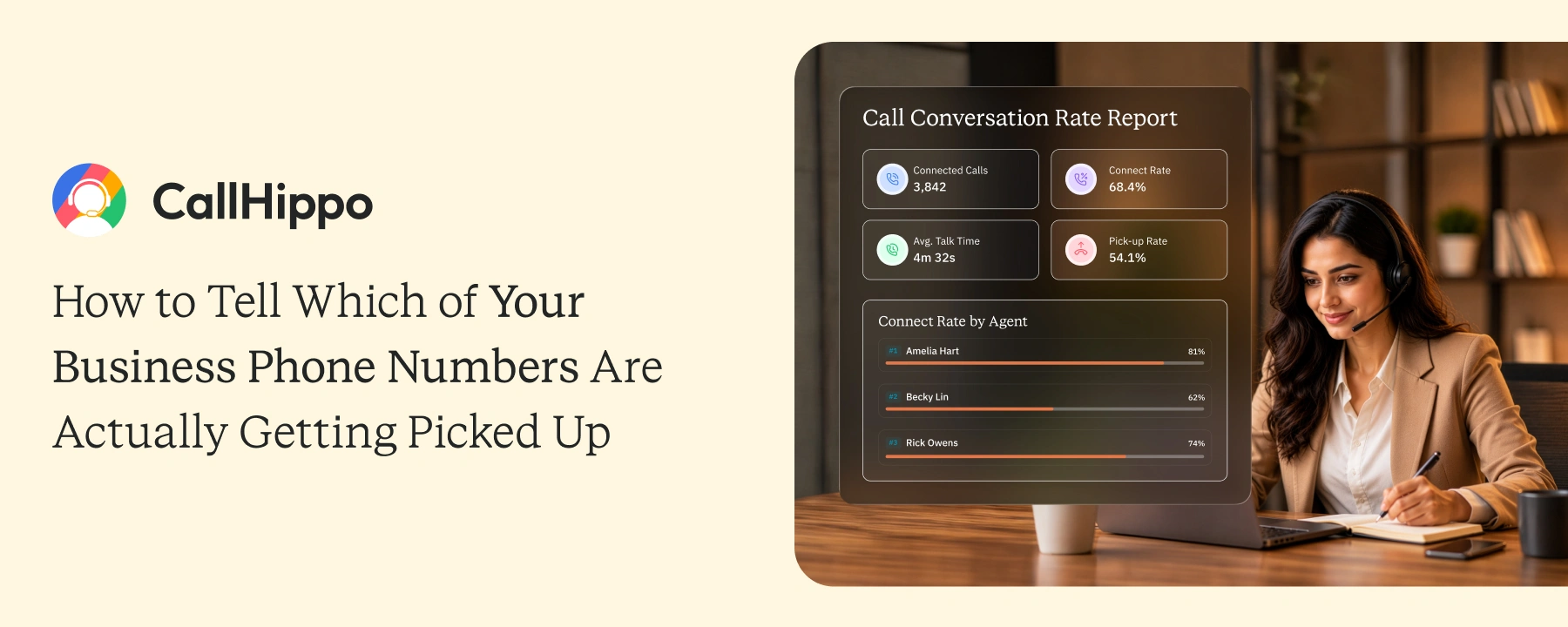
Call Connect Rate Report
Track connect rate, pick up rates, and average talk time for every agent, team, and campaign in one live dashboard.
- See the per-number performance broken down across 8 distinct call outcomes
- Filter live by phone number, country, or custom date range to drill into trouble spots
- Track Connect Rate, Pick-Up Rate, and Average Talk Time side by side
- Download the full dataset as CSV or share the live dashboard with leadership
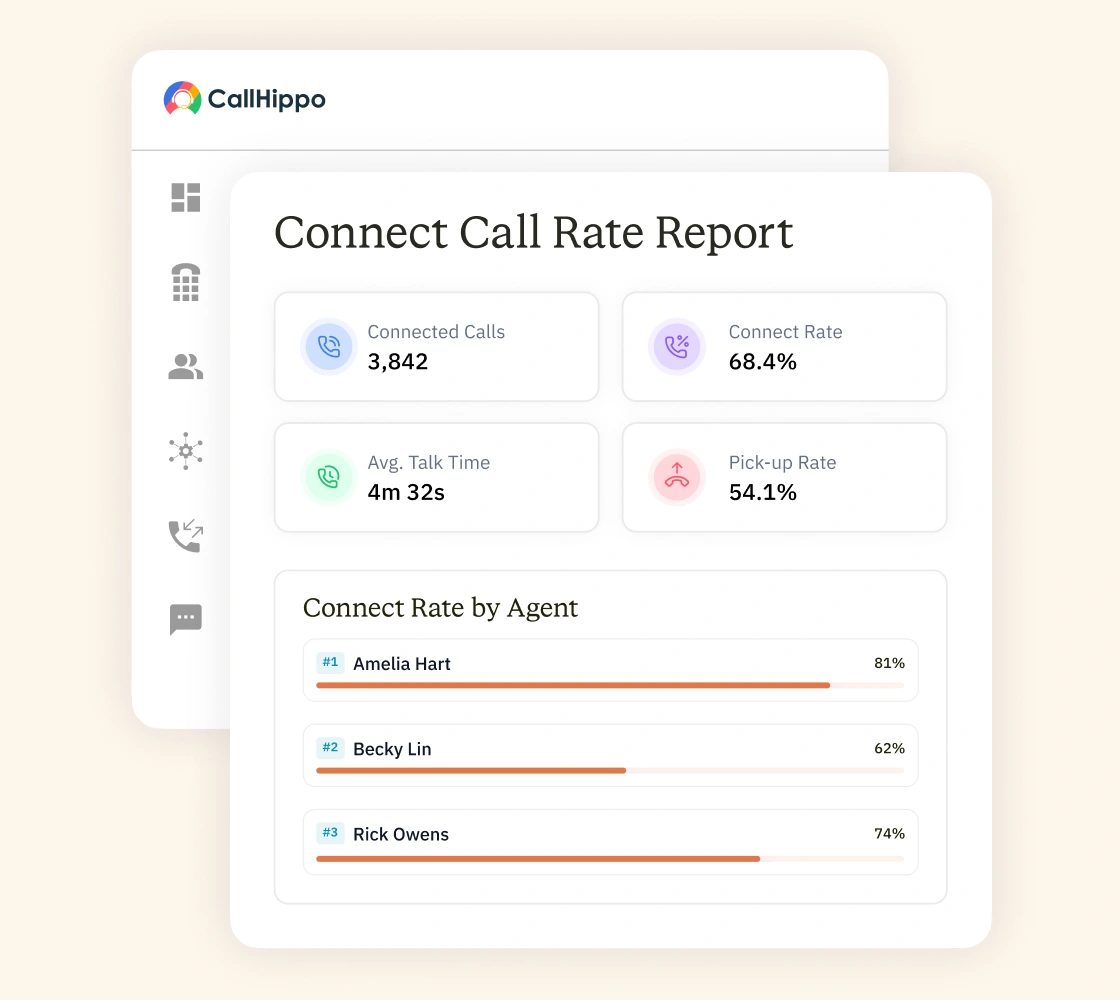







Turn Call Data Into Decisions With the Connect Rate Report
All your call performance metrics in one dashboard. Full visibility into whether your team’s numbers are actually landing, or quietly burning pipeline.
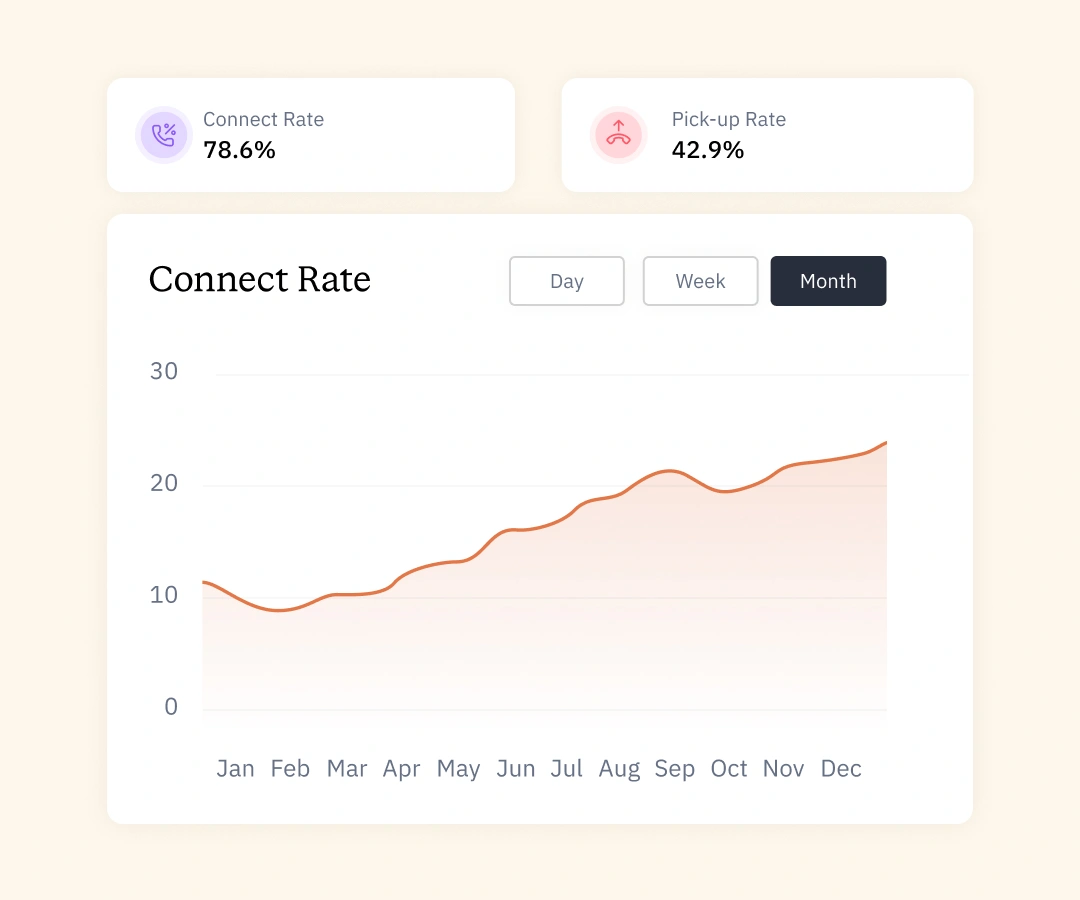
Monitor Every Connected Call and Your True Connect Rate
- Know exactly how many dials reached a real person, a voicemail, or no one at all
- Track every number’s outgoing and incoming call volume across any time window
- Spot the numbers that look productive on volume but fail on actual conversations
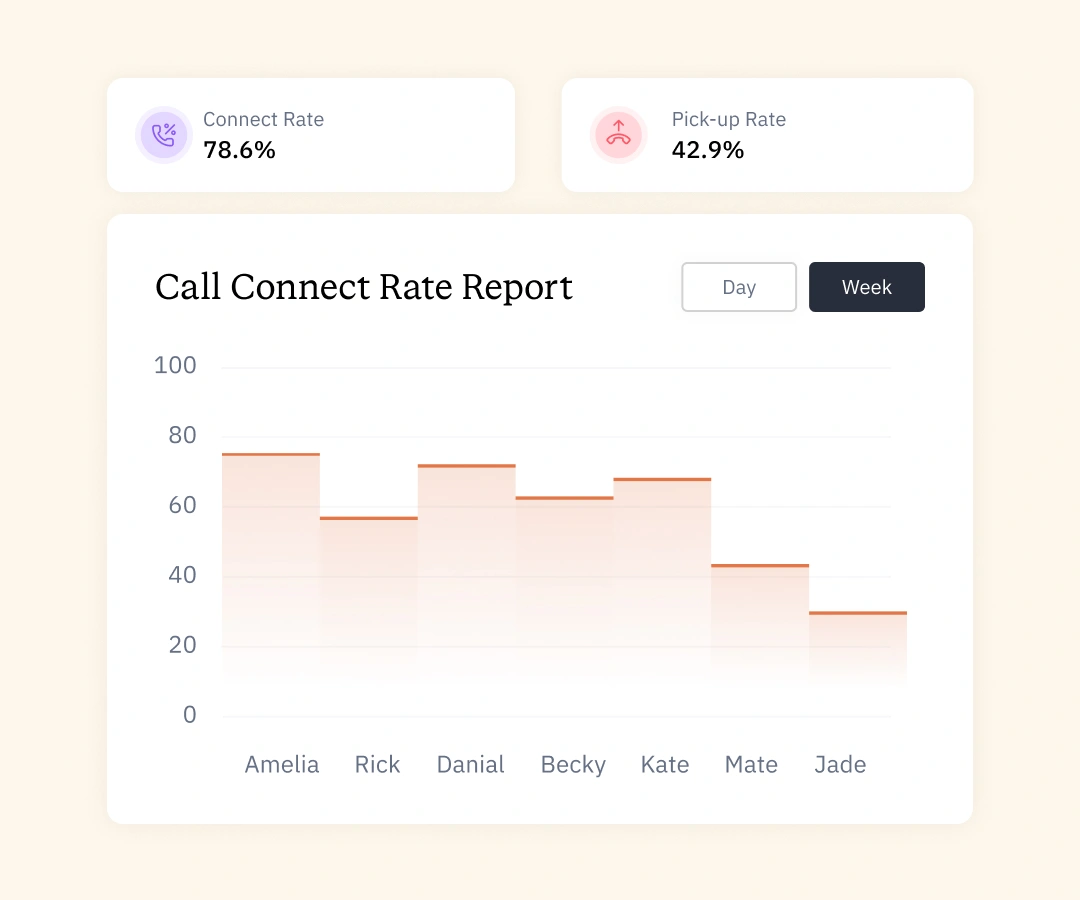
Breakdown Your Pick-Up Rate by Number, Country, and Time
- Measure how many of your dials actually reached a human, not a recording
- Filter pick-up rate by country to see where carrier blocking is hitting hardest
- Find dead-hour patterns by sweeping the date range across mornings and afternoons
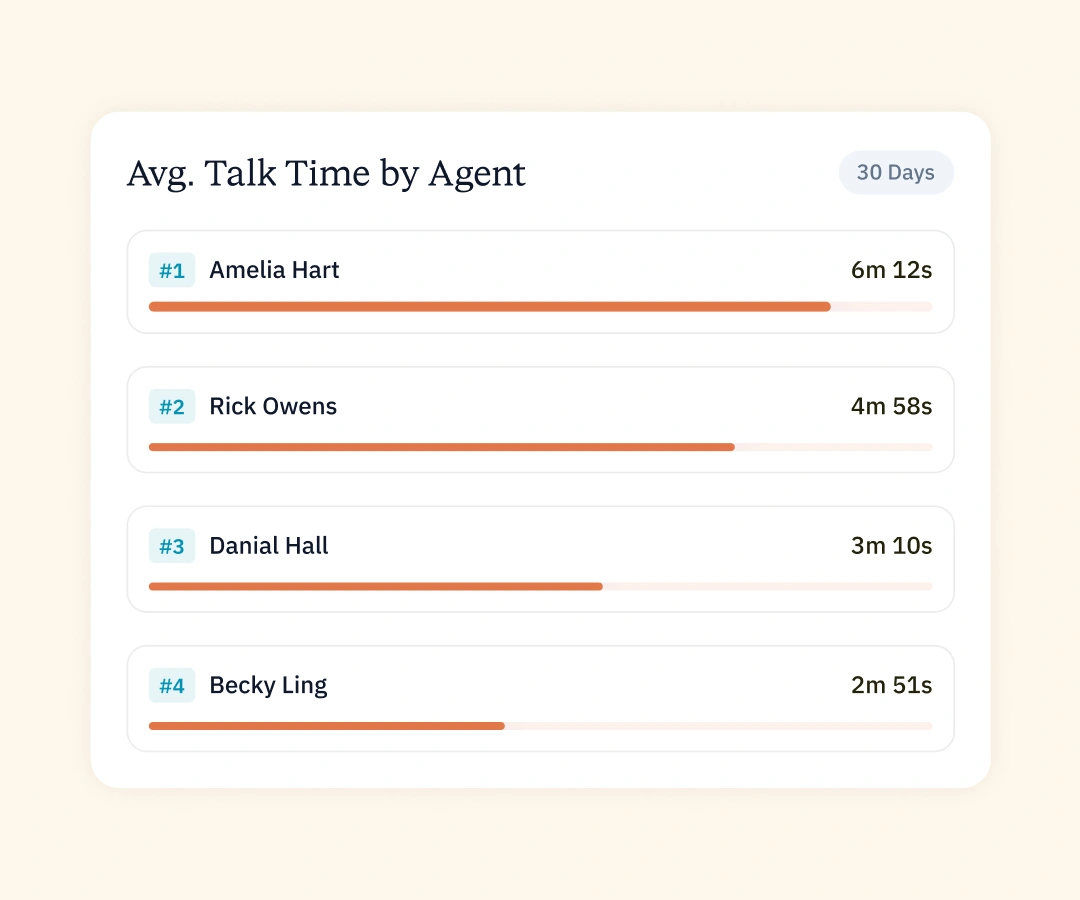
Monitor Average Talk Time to Coach Agents With Real Data
- Monitor and track talk-time averages, climb or fall per number, week over week
- Catch numbers that get answered but disconnect in under 10 seconds (early flag sign)
- Use talk-time data as a coaching anchor that holds up in performance reviews
Get Your Connect Rate Report in 4 Easy Steps
No integrations required. If your team is already making calls through CallHippo, the report is live.

Bring your existing numbers over or buy new ones for any supported country. Reporting starts the moment a number goes live.

Your team works the same way they always have. CallHippo silently captures every dial outcome in real time.

Access "Reports" in the side menu and head to "Call Connect Rate Report". Filter specific numbers, countries, or any custom date.

Pull the data as CSV with one click. You can also share the live dashboard link with your leadership team.
Why Sales and Support Teams Rely on Connect Rate Reporting
When you see exactly which calls are landing and which are not, every coaching conversation and campaign decision gets sharper.

The report breaks down performance across eight distinct outcomes per number. Whatever is dragging your rate down is visible in two clicks.
.svg)
The Machine Detected column flags exactly which numbers are landing in voicemail. This helps teams indicate the number about to get flagged.

The hourly/weekly pick-up rate shows exactly when your prospects answer. Stop burning dials and focus on the windows that convert.

Connect rate variance reveals which lines are still performing and which need to rotate. Base number-health decisions on data, not guesswork.

Cross-country teams see country-level breakdowns in a single view. Spot regional drop-offs early before they spread.

The dashboard refreshes in real-time as calls happen. Skip the weekly export cycle and act on what is happening now.
Pricing
-

 Calling
- Pay Only for Numbers
- Voicemail
- Click to Dial
- Business Hours
Define operating hours for each number to route calls appropriately.
- Smart Failover System
If a call fails to complete, Attempt Manager surfaces it for retry on a number you've assigned to the campaign, improving call connection success rates.
-

 Messaging
 - SMS (Text messages) & MMS
- WhatsApp Business API
 Platform
- 2FA
Add an extra security layer by requiring a verification code in addition to your password.
- Desktop & Mobile Apps
-
Calling
- Unlimited Minutes (Includes Both Landline & Mobile Calling)
Shared pool of free calling minutes for your entire team. Valid for manual dialing to standard US/Canada numbers only.
- Forward to Device Automatically route incoming calls to your mobile or alternative device to never miss calls.
- Ring All Devices Ring simultaneously on all your logged-in devices (desktop, mobile, browser) for every call.
- Country Blocking Restrict outbound calls to specific countries to prevent unauthorized international dialing.
-
Messaging
-
100 SMS (Text Messages)
Standard A2P charges apply.
- SMS Templates Create and save message templates for one-click texting with consistent communication.
- Free Omnichannel Inbox


-

 Analytics
- Basic Report Analytics
- Call Logs (1 month) Access detailed records of all calls including duration, outcome, recordings, and participant information.
- Audit Logs Track all account changes and user actions for security, compliance, and accountability.
-
 Integrations
-
ZZapierSSlack50+WWebhook


 Popular
-
Calling
- Unlimited Minutes (Includes Both Landline & Mobile Calling)
Shared pool of free calling minutes for your entire team. Valid for manual dialing to standard US/Canada numbers only.
- Call Recordings Record and store calls for quality monitoring, training, and compliance.
- Multilingual IVR Offer IVR menu options in multiple languages to serve diverse customer bases.
- Call Distribution (Cascading) Route calls to agents in a priority sequence until someone answers.
- Custom Greetings Upload personalized welcome messages for callers to hear when they reach your number.
-
Messaging
-
500 SMS (Text Messages)
Standard A2P charges apply.
-
Analytics
- Reports / Analytics Get detailed insights and summarized analytics on team's calling performance.
- AI Voicemail Transcription Automatically convert voicemail audio to text for faster message review.
- Call Logs (Lifetime)
- Role Based Access Control Assign specific roles with tailored permissions to control what each user can view and manage.
- Call Transcription
-
Integrations
-
HHubSpotSSalesforcePPipedrive50+ZZoho
-
Calling
-
Unlimited Minutes (Includes Both Landline & Mobile Calling)
Shared pool of free calling minutes for your entire team. Valid for manual dialing to standard US/CA numbers only.
- Smart DID Routing Automatically routes calls to the best available agent based on real-time data.
- Multilevel IVR Create multi-step phone menus to route callers to the right department or person automatically.
- Call Blocking Block unwanted callers and spam numbers to keep your team focused on quality conversations.
- Holiday Routing Configure special call handling and greetings for holidays and non-business days.
- CRM-Based VIP Routing Route calls automatically to the correct contact/lead owner based on CRM information.
-
Messaging
-
1000 SMS (Text Messages)
Standard A2P charges apply.
- Analytics
- Call Summary
-
 Enterprise
- Single Sign-On (SSO) Log in once to access CallHippo and all integrated tools with your company credentials.
- Custom Integrations Build advanced integrations with your systems—add click-to-call anywhere, sync call data with custom logic, and create workflows specific to your business.
- Dedicated Account Manager Resolve account queries efficiently with dedicated account manager.
- Personalized Onboarding Experience personalized onboarding for a tailored start.
- 24×7 & Phone Support
-
Integrations
-
HHubSpotSSalesforceZZoho50+ZZendesk

10-day free trial. No credit card. No seat limits. Full reporting from day one.
Start Free TrialLoved at Every Stage.
From solo founders to enterprise CTOs — hear why teams choose CallHippo.
"CallHippo works seamlessly for both inbound & outbound calls. Its CRM integration helps manage our entire calling process."

"Since consolidating onto CallHippo, our leadership finally has complete visibility into SDR activity. The dashboards are clean, transcripts are searchable, and the reporting is something we genuinely trust."

"Calls used to live in different places and follow-ups slipped through the cracks. With CallHippo everything’s central: recordings, searchable transcripts, and live dashboards. Our team feels in control for the first time and clients notice the difference."

Frequently Asked Questions
-
Connect rate counts all calls that reach the other end, including voicemails and no-answers. Pick-up rate counts only the calls answered by a real person. Tracking both shows the gap between dialing and actually talking to someone.
-
In the side menu, head to "Reports", then open the "Call Connect Rate Report". Use the filters at the top to slice the data by phone number, country, or custom date range. Your metrics update instantly.
-
Yes. You can download the full report as a CSV in one click. The export includes every column and reflects any filters you have applied.
-
The Connect Rate Report is not included in every CallHippo plan. You get it on the Essential plans (Professional and Ultimate) and the Pro Suite plans (Platinum and Enterprise).
-
Yes. CallHippo tracks average talk time for every business number in real time. You can compare talk time trends across numbers, countries, and custom date ranges from one dashboard.
Get International Phone Numbers
 Canada Virtual Phone Number
UK Virtual Phone Number
Canada Virtual Phone Number
UK Virtual Phone Number
 US Virtual Phone Number


