
Voicemail Drop for Outbound Calls
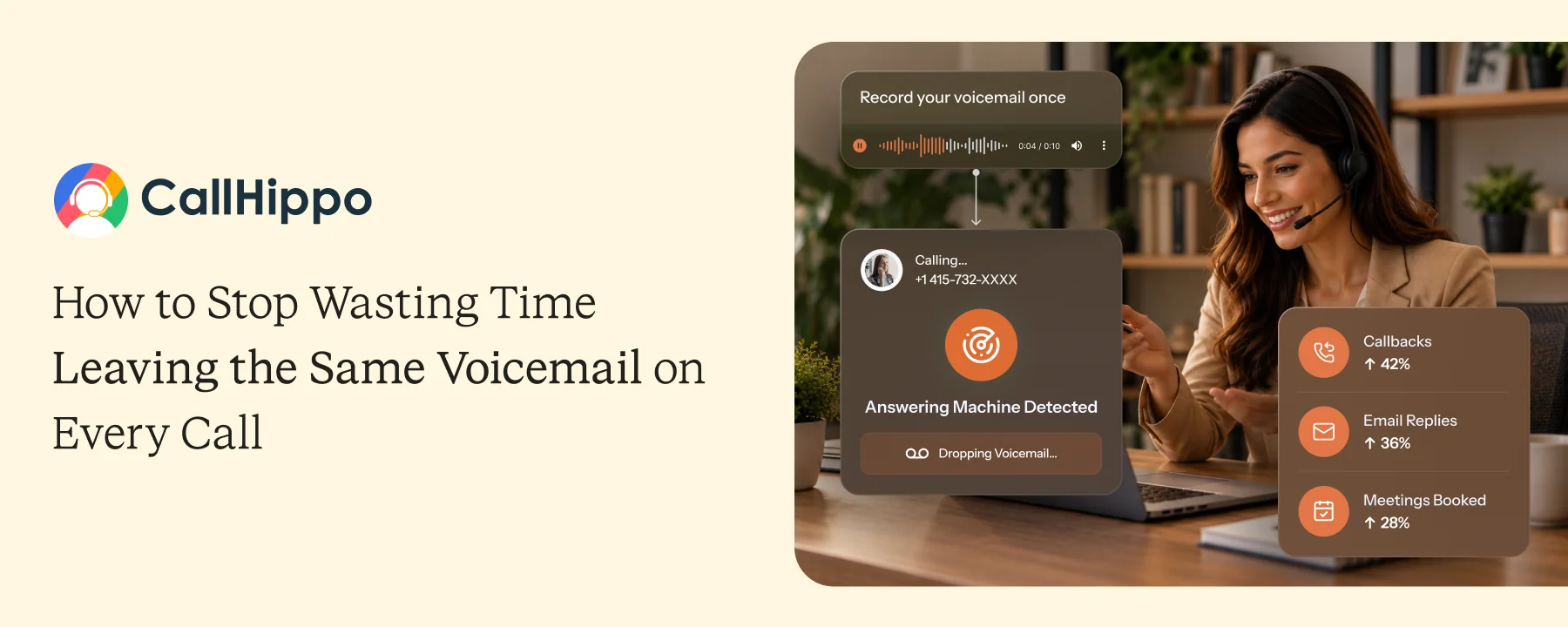
When an outgoing call reaches voicemail, one click leaves your pre-recorded message. Your line frees up right away, and the message plays to the prospect in the background.

What Is Voicemail Drop?
Voicemail drop lets an agent leave a recorded message without saying it live. You upload the audio once. When a call hits an answering machine, you click the Voicemail Drop button on the dialer, and CallHippo hangs up for you and plays the message to the recipient. It works on outgoing calls only.
Benefits of Voicemail Drop
Skip the Beep
No waiting through greetings and tones. One click hands off the message and ends your side of the call.
Same Message Every Time
Your recording says exactly what you planned, with no rushed or forgotten points late in the day.
Straight to the Next Dial
You can start another call while the message is still playing on the previous one.
Automatic Detection
With Auto Voicemail Drop on, CallHippo detects the answering machine and leaves the message without a click.
Clear Call Status
Dropped calls show the status Voicemail with a tooltip, so you know which prospects got your message.
Works in Dialer Campaigns
In auto dialer campaigns, Auto Voicemail Drop leaves your recording whenever machine detection finds voicemail.
Connect Your Sales Stack
Pair CallHippo with your CRM and sales apps from the App Marketplace, and keep outbound work in tools your reps already know.


Features That Pair With Voicemail Drop

Call Monitoring
Admins see how many outbound calls are live at once while reps work through a list.

Smart Switch
Before dialing, reps can change telephony provider from the dial pad if call quality slips.
Global Connect
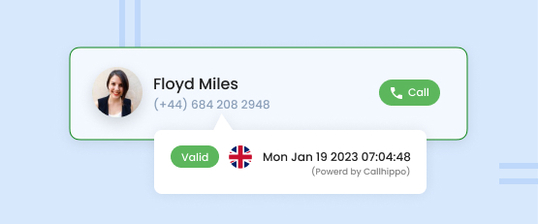
Check a prospect’s local time so your message lands during their working day.

Smart Call Forwarding
Prospects who call back after hearing your message can reach you on your mobile when you’re away from the dialer.

Call Transfer
When a prospect returns your call, hand them to the right rep with a warm or cold transfer.
Call Conference
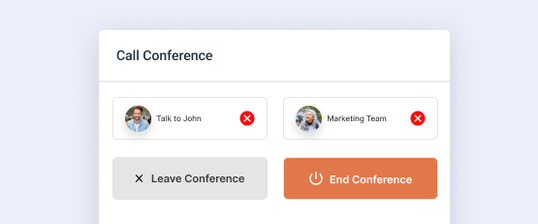
Merge a third person into a callback, such as a manager or product expert.

Call Queuing Software
If several prospects call back at once, the queue answers them in the order they arrived.
Call Barging
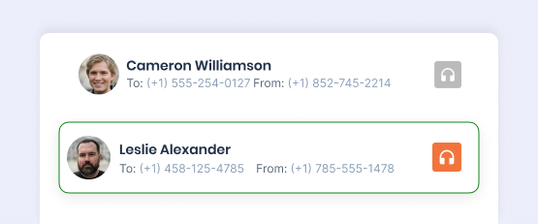
A manager can enter a live call to help close a prospect who responded to your voicemail.
Call Recording
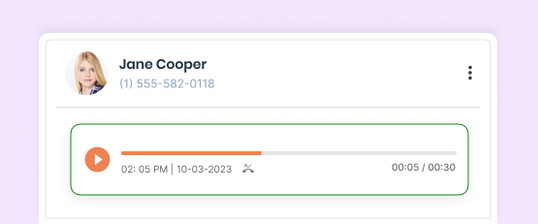
Record live conversations to review what works once prospects respond.
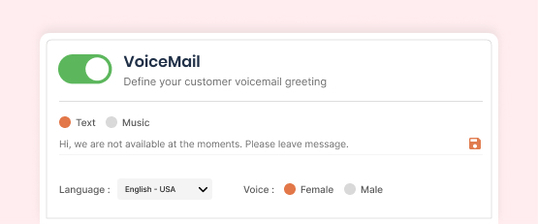
Voice Mail
Inbound voicemail catches prospects who return your call when no one is free.
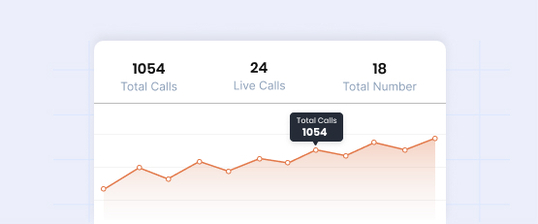
Call Analytics
Track outgoing call volume and outcomes to see how your outreach is performing.
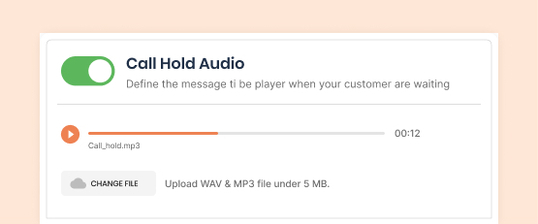
Call Hold Audio
Callers waiting in a queue hear music or a message you choose.
Pricing
-

 Calling
- Pay Only for Numbers
- Voicemail
- Click to Dial
- Business Hours
Define operating hours for each number to route calls appropriately.
- Smart Failover System
If a call fails to complete, Attempt Manager surfaces it for retry on a number you've assigned to the campaign, improving call connection success rates.
-

 Messaging
- SMS (Text messages) & MMS
- WhatsApp Business API
 Platform
- 2FA
Add an extra security layer by requiring a verification code in addition to your password.
- Desktop & Mobile Apps
-
Calling
- Unlimited Minutes (Includes Both Landline & Mobile Calling)
Shared pool of free calling minutes for your entire team. Valid for manual dialing to standard US/Canada numbers only.
- Forward to Device Automatically route incoming calls to your mobile or alternative device to never miss calls.
- Ring All Devices Ring simultaneously on all your logged-in devices (desktop, mobile, browser) for every call.
- Country Blocking Restrict outbound calls to specific countries to prevent unauthorized international dialing.
-
Messaging
-
100 SMS (Text Messages)
Standard A2P charges apply.
- SMS Templates Create and save message templates for one-click texting with consistent communication.
- Free Omnichannel Inbox


-

 Analytics
- Basic Report Analytics
- Call Logs (1 month) Access detailed records of all calls including duration, outcome, recordings, and participant information.
- Audit Logs Track all account changes and user actions for security, compliance, and accountability.
-
 Integrations
-
ZZapierSSlack50+WWebhook



 Popular
-
Calling
- Unlimited Minutes (Includes Both Landline & Mobile Calling)
Shared pool of free calling minutes for your entire team. Valid for manual dialing to standard US/Canada numbers only.
- Call Recordings Record and store calls for quality monitoring, training, and compliance.
- Multilingual IVR Offer IVR menu options in multiple languages to serve diverse customer bases.
- Call Distribution (Cascading) Route calls to agents in a priority sequence until someone answers.
- Custom Greetings Upload personalized welcome messages for callers to hear when they reach your number.
-
Messaging
-
500 SMS (Text Messages)
Standard A2P charges apply.
-
Analytics
- Reports / Analytics Get detailed insights and summarized analytics on team's calling performance.
- AI Voicemail Transcription Automatically convert voicemail audio to text for faster message review.
- Call Logs (Lifetime)
- Role Based Access Control Assign specific roles with tailored permissions to control what each user can view and manage.
- Call Transcription
-
Integrations
-
HHubSpotSSalesforcePPipedrive50+ZZoho
-
Calling
-
Unlimited Minutes (Includes Both Landline & Mobile Calling)
Shared pool of free calling minutes for your entire team. Valid for manual dialing to standard US/CA numbers only.
- Smart DID Routing Automatically routes calls to the best available agent based on real-time data.
- Multilevel IVR Create multi-step phone menus to route callers to the right department or person automatically.
- Call Blocking Block unwanted callers and spam numbers to keep your team focused on quality conversations.
- Holiday Routing Configure special call handling and greetings for holidays and non-business days.
- CRM-Based VIP Routing Route calls automatically to the correct contact/lead owner based on CRM information.
-
Messaging
-
1000 SMS (Text Messages)
Standard A2P charges apply.
- Analytics
- Call Summary
-
 Enterprise
- Single Sign-On (SSO) Log in once to access CallHippo and all integrated tools with your company credentials.
- Custom Integrations Build advanced integrations with your systems—add click-to-call anywhere, sync call data with custom logic, and create workflows specific to your business.
- Dedicated Account Manager Resolve account queries efficiently with dedicated account manager.
- Personalized Onboarding Experience personalized onboarding for a tailored start.
- 24×7 & Phone Support
-
Integrations
-
HHubSpotSSalesforceZZoho50+ZZendesk
Frequently Asked Questions
-
In the dashboard, go to Users and Performance > Users, click the settings icon for the user, open Voicemail Drop, switch on the toggle and upload your audio.
-
WAV or MP3 files up to 5 MB. Upload the message before you start calling, or the feature won't work.
-
With Voicemail Drop, the agent clicks a button when they hear voicemail. Auto Voicemail Drop detects the answering machine and drops the message on its own. Auto Voicemail Drop carries an extra per-call charge.
-
No. It's for outgoing calls only.
-
No. CallHippo's voicemail drop works on a normal outgoing call. The phone rings, the call reaches voicemail, and your recording plays after you click Voicemail Drop or after Auto Voicemail Drop detects the answering machine.
-
A confirmation appears at the top right of the screen. In the call logs, the call shows the status Voicemail with the tooltip "Voicemail dropped".
Related Post

Upload your message once and drop it on every outbound call that reaches voicemail.
Start Free Trial