
Get a Virtual Phone System
Losing leads because calls are not reaching the right place? CallHippo helps you connect with your prospects from any part of the world. With CallHippo, your calling workflow gets organized and your team stays productive.
- Connect globally using virtual numbers in 50+ countries.
- Scale up fast without the costly hardware system.
- Route calls automatically to the right team.
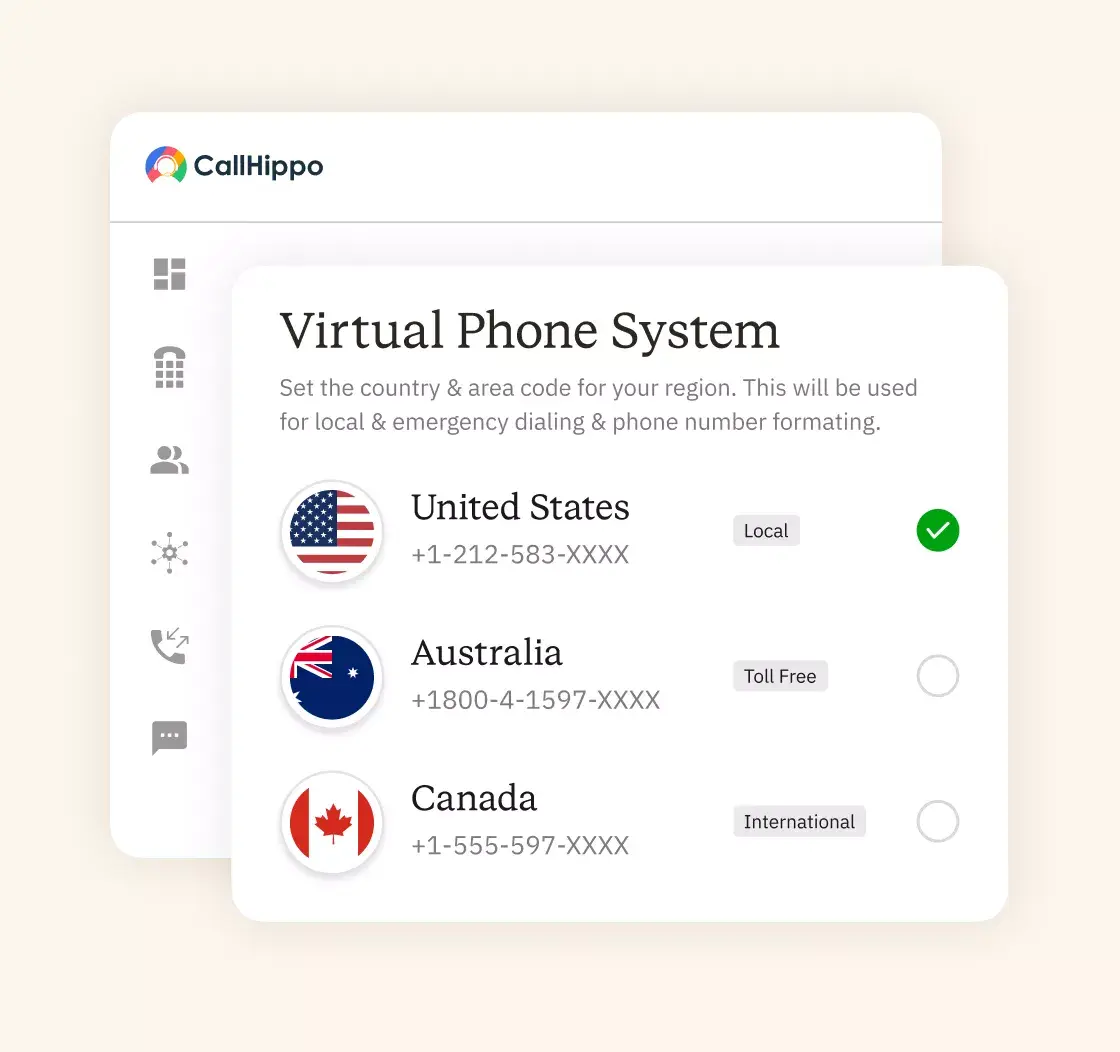







What is a Virtual Phone System?
Businesses with a virtual phone system can make and receive phone calls using the internet instead of physical phone lines. With CallHippo, teams can answer calls from mobile apps, desk phones, or laptops, anytime and anywhere, with just one business phone number.
Find a Number for Your Virtual Phone System
Choose a business number with CallHippo that helps you connect with your prospects and customers in just a few clicks.

 Local
Local Toll-free
 Mobile


How to Get a Virtual Phone System?
Setting up the CallHippo virtual business phone system is simpler than you think. Let’s look at the steps:

Start by creating an account on the CallHippo website. It only takes a few minutes. No complex setup or technical help is needed. Once you sign up, you get access to the dashboard. From there, you can manage calls, users, and numbers in one place.

Now you need to set up how your calls work. Add team members and assign numbers to them. Then define call routing rules so calls reach the right person assigned for the role. You can also set business hours, voicemail, and greetings. Once this is done, your virtual business phone system is ready to handle real customer calls.

Set up your virtual number to work the way you need it. Forward calls to any device, set up voicemail, or connect with your business systems for smooth communication. You can change these settings anytime to match your business needs and preferences.
Why CallHippo is the Best Virtual Phone System for Your Business?
CallHippo - Built to keep your business calling simple and reliable.
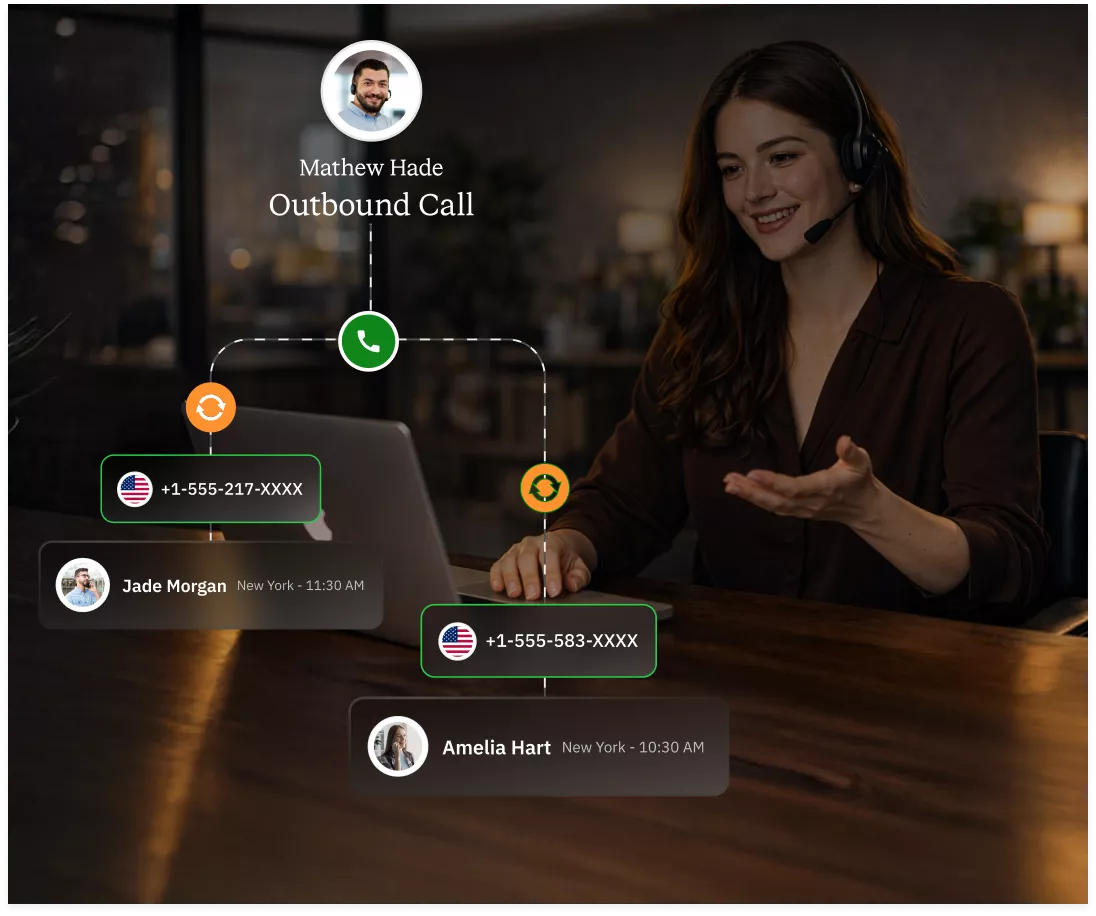
Improve Call Pick-Up Rates
Low pickup rates slow the deals and waste effort. CallHippo automatically rotates numbers with the auto-rotate feature, so every outbound call looks fresh and the prospects trust it more.
- Higher pickup
- Reduced spam flags
- Better connect rates
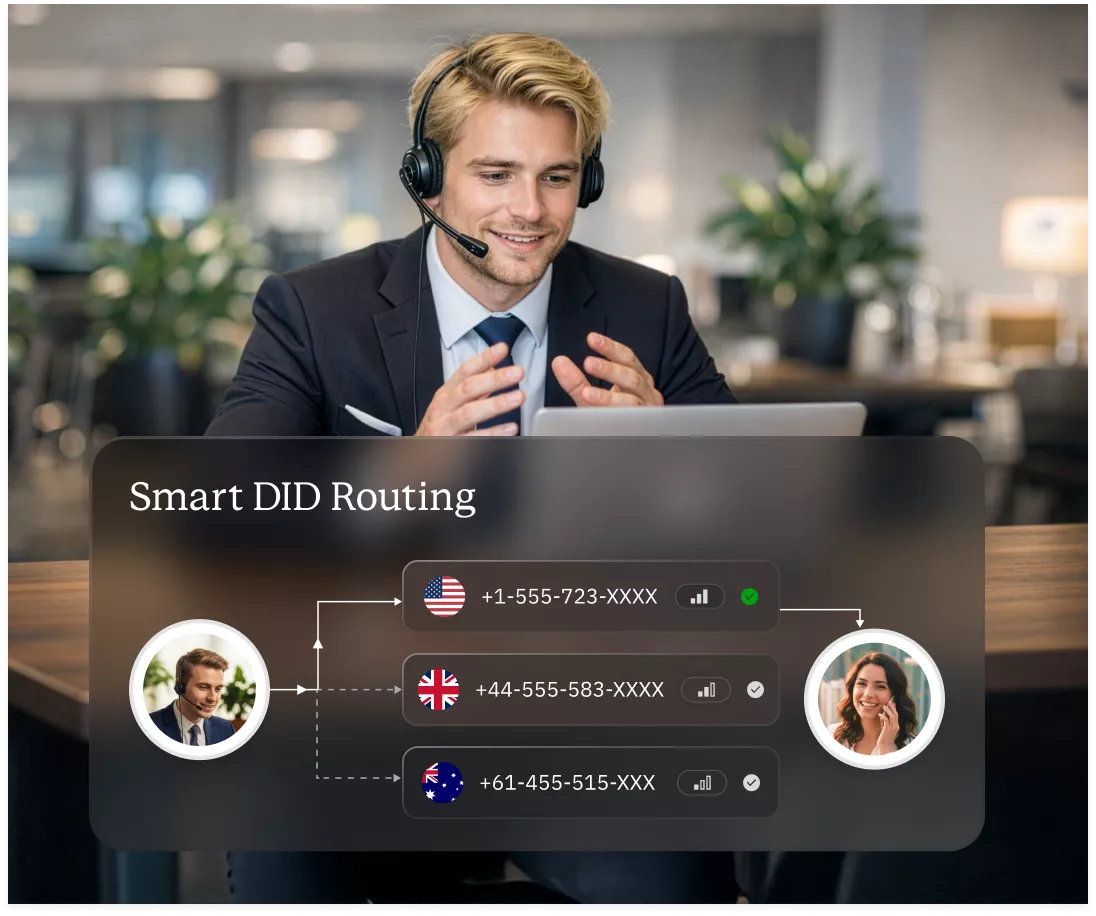
Intelligent Call Distribution
Wrong call transfers frustrate customers. Smart DID Routing feature automatically directs calls to the right team based on rules you control.
- Calls reach the right agent
- Faster resolution
- Zero confusion
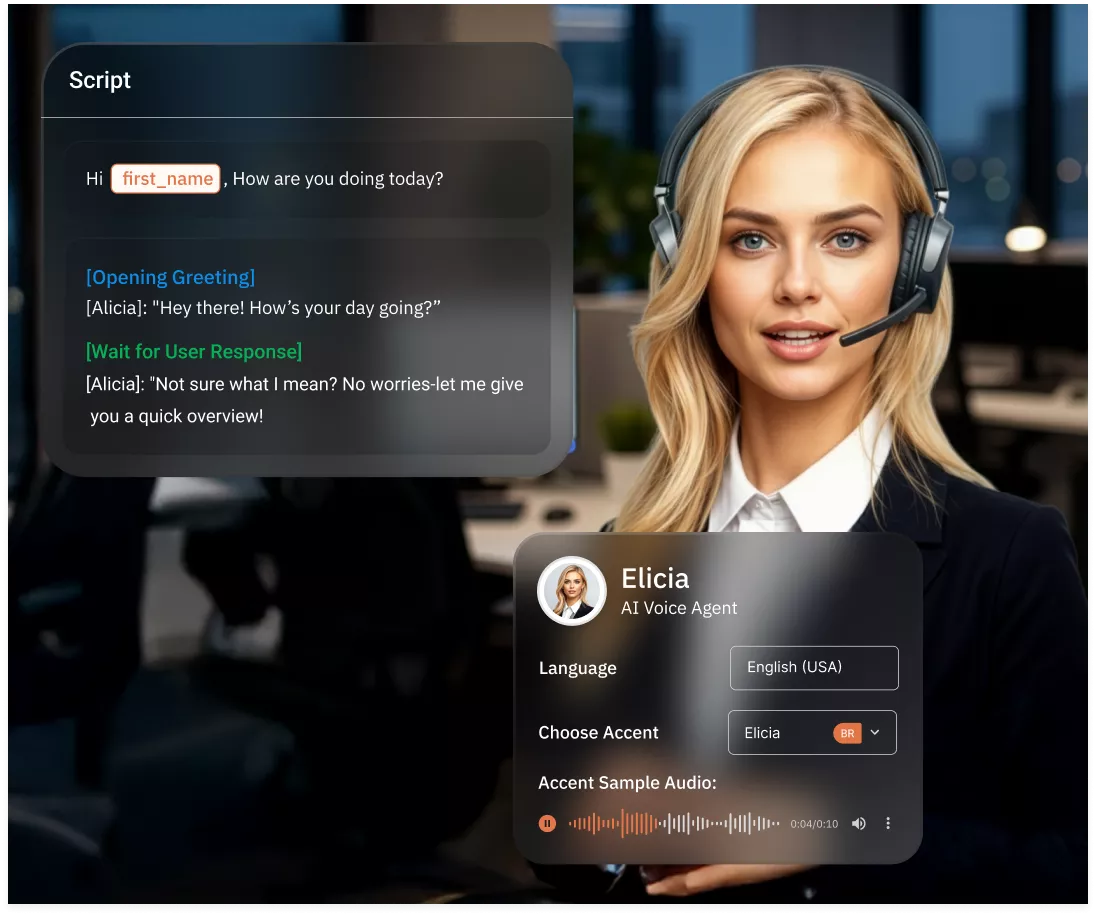
Automated Call Handling
Have you ever missed important calls during busy hours? With CallHippo’s AI Voice Agents, you can answer, qualify, and route calls automatically, even when human agents are unavailable.
- AI Voice Agents
- Faster responses
- Reduced overload
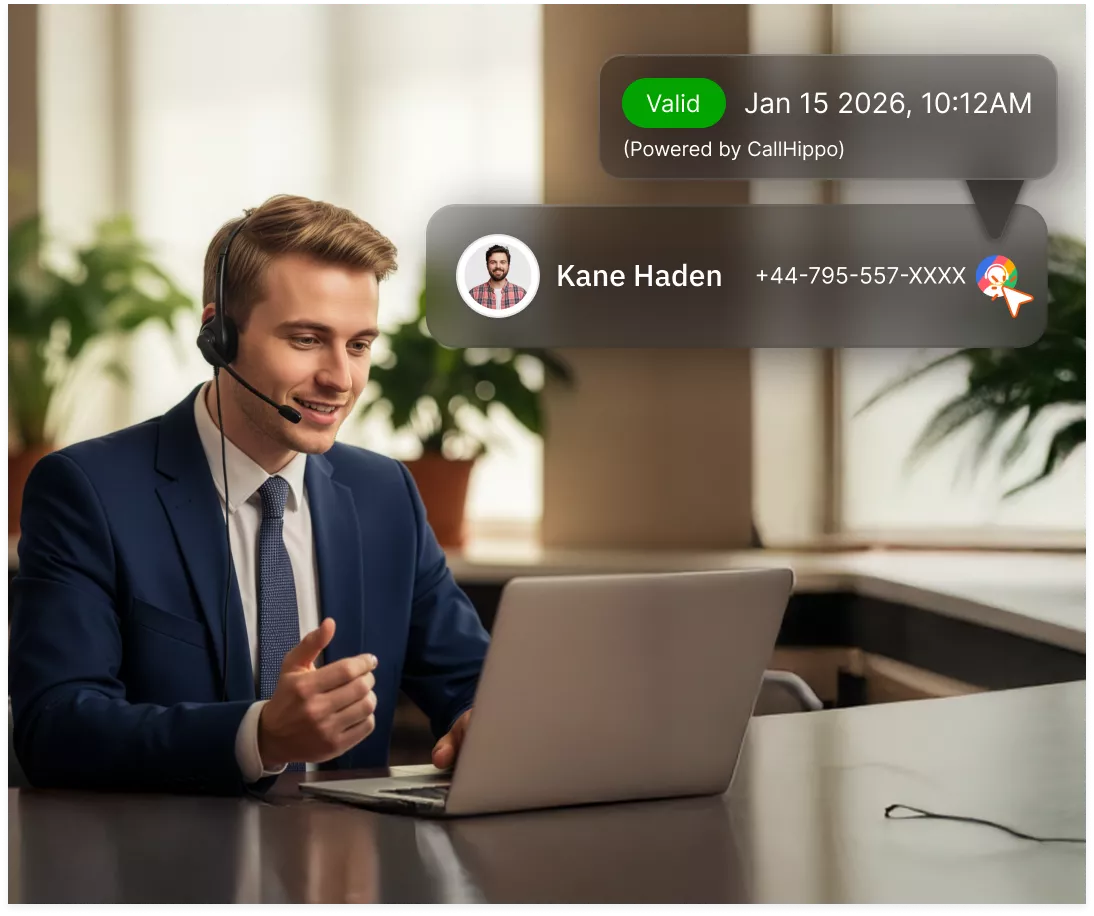
Click-to-Call for Instant Calling
Manual dialing breaks focus and wastes time. With Click-to-Call, your team can call prospects instantly from CRM, web pages, or dashboards.
- One-click dialing
- Fewer errors
- More conversations
Omnichannel Communication
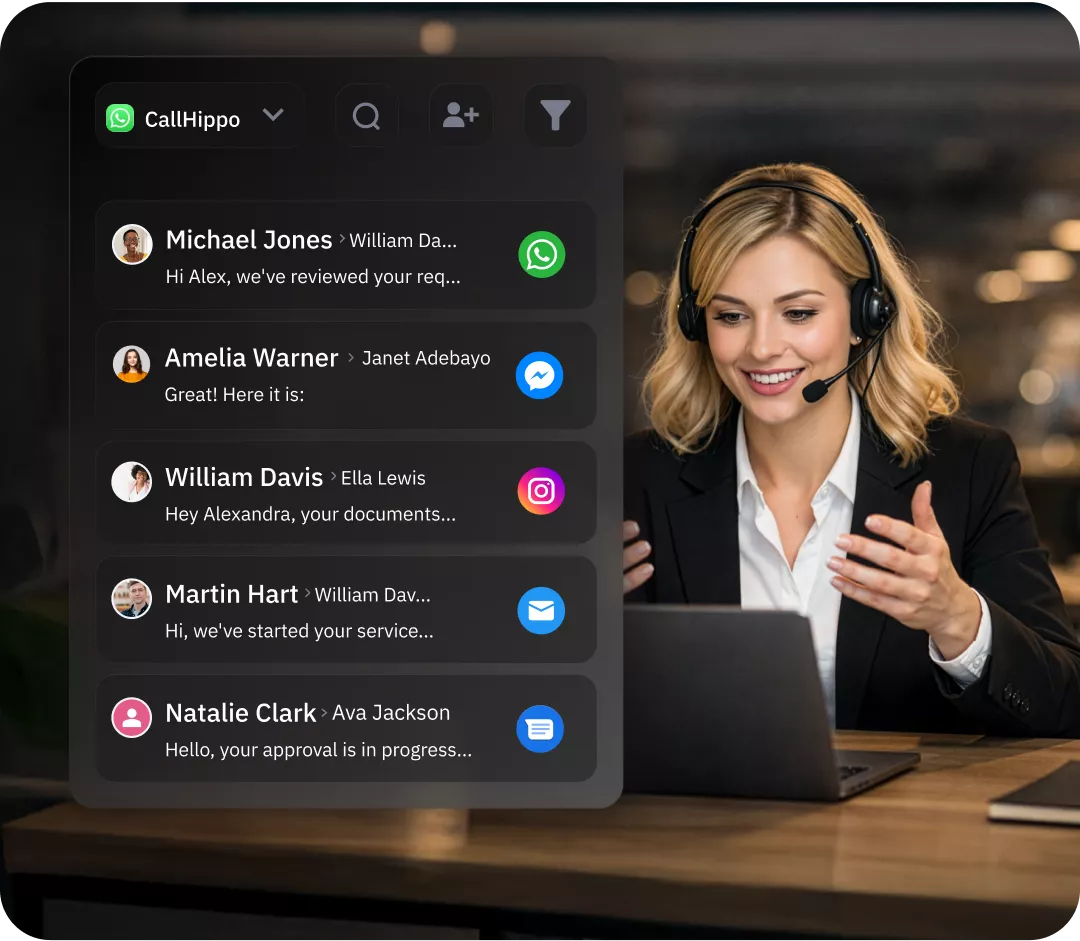
Customers switch channels constantly as per their convenience. Manage voice calls, SMS, and WhatsApp conversations in one place without losing context or response speed.
- Unified inbox
- Faster replies
- Better engagement
What Are the Benefits of Having a Virtual Phone System?
Know the main benefits of why businesses today shift to the CallHippo virtual office phone system:

Stay connected across teams, locations, and devices. With the CallHippo virtual phone system, your teams can respond faster and stay aligned.

You only pay for what you use and can grow your business affordably. No costly hardware, maintenance, or hidden costs.

Take business calls on desktop and mobile apps. Work from anywhere without missing any important customer conversation.

As your business grows, you can add multiple users or numbers accordingly. No rewiring or delays, just quick upgrades.

Route your customer calls across nations easily. Customers reach the right team, no matter where they are.

Get started in minutes with a simple dashboard. You don’t need any technical expertise or to indulge in a long installation process.
What Are the Key Features to Look For in a Virtual Phone System?
With the right calling features, you can make your daily calling easier, faster, and more reliable for your team.

Forward incoming calls to any device or location. This makes sure that you are always reachable, even when teams work remotely.

Manage multiple calls at the same time. Callers always stay connected instead of hearing busy tones.

This feature automatically greets your callers and guides them to the right department. It saves you time and improves first impressions.

Allow callers to choose options using simple key inputs. Your manual call handling gets reduced and accuracy improves.

Route calls based on time, team or availability. Customers reach the right person without any confusion or delay.

You can record calls for purposes such as training, reviews and compliance needs. Automatic call recording captures every conversation securely.

Display a familiar local number on outbound calls. This increases pickup rates and builds customer trust.

Send and receive text messages from the same business number. It is useful for quick updates and follow-ups.
Pricing
-

 Calling
- Pay Only for Numbers
- Voicemail
- Click to Dial
- Business Hours
Define operating hours for each number to route calls appropriately.
- Smart Failover System
Automatically retries calls with an alternate caller ID when a provider rejection is received, improving call connection success rates.
-

 Messaging
 - SMS (Text messages) & MMS
- WhatsApp Business API
 Platform
- 2FA
Add an extra security layer by requiring a verification code in addition to your password.
- Desktop & Mobile Apps
-
Calling
- Unlimited Minutes (Includes Both Landline & Mobile Calling)
Shared pool of free calling minutes for your entire team. Valid for manual dialing to standard US/Canada numbers only.
- Forward to Device Automatically route incoming calls to your mobile or alternative device to never miss calls.
- Ring All Devices Ring simultaneously on all your logged-in devices (desktop, mobile, browser) for every call.
- AI Global Connect View caller's timezone before dialing to reach contacts at optimal times.
- Country Blocking Restrict outbound calls to specific countries to prevent unauthorized international dialing.
-
Messaging
-
100 SMS (Text Messages)
Standard A2P charges apply.
- SMS Templates Create and save message templates for one-click texting with consistent communication.
- Free Omnichannel Inbox


-

 Analytics
- Basic Report Analytics
- Call Logs (1 month) Access detailed records of all calls including duration, outcome, recordings, and participant information.
- Audit Logs Track all account changes and user actions for security, compliance, and accountability.
-
 Integrations
-
ZZapierSSlack50+WWebhook


 Popular
-
Calling
- Unlimited Minutes (Includes Both Landline & Mobile Calling)
Shared pool of free calling minutes for your entire team. Valid for manual dialing to standard US/Canada numbers only.
- Call Recordings Record and store calls for quality monitoring, training, and compliance.
- Multilingual IVR Offer IVR menu options in multiple languages to serve diverse customer bases.
- Call Distribution (Cascading) Route calls to agents in a priority sequence until someone answers.
- Custom Greetings Upload personalized welcome messages for callers to hear when they reach your number.
-
Messaging
-
500 SMS (Text Messages)
Standard A2P charges apply.
-
Analytics
- Reports / Analytics Get detailed insights and summarized analytics on team's calling performance.
- AI Voicemail Transcription Automatically convert voicemail audio to text for faster message review.
- Call Logs (Lifetime)
- Role Based Access Control Assign specific roles with tailored permissions to control what each user can view and manage.
- Call Transcription
-
Integrations
-
HHubSpotSSalesforcePPipedrive50+ZZoho
-
Calling
-
Unlimited Minutes (Includes Both Landline & Mobile Calling)
Shared pool of free calling minutes for your entire team. Valid for manual dialing to standard US/CA numbers only.
- Smart DID Routing Automatically routes calls to the best available agent based on real-time data.
- Multilevel IVR Create multi-step phone menus to route callers to the right department or person automatically.
- Call Blocking Block unwanted callers and spam numbers to keep your team focused on quality conversations.
- Holiday Routing Configure special call handling and greetings for holidays and non-business days.
- CRM-Based VIP Routing Route calls automatically to the correct contact/lead owner based on CRM information.
-
Messaging
-
1000 SMS (Text Messages)
Standard A2P charges apply.
- Analytics
- Call Summary
-
 Enterprise
- Single Sign-On (SSO) Log in once to access CallHippo and all integrated tools with your company credentials.
- Custom Integrations Build advanced integrations with your systems—add click-to-call anywhere, sync call data with custom logic, and create workflows specific to your business.
- Dedicated Account Manager Resolve account queries efficiently with dedicated account manager.
- Personalized Onboarding Experience personalized onboarding for a tailored start.
- 24×7 & Phone Support
-
Integrations
-
HHubSpotSSalesforceZZoho50+ZZendesk
How to Select a Virtual Phone System?
A good virtual office phone service provider keeps your business connected. Before picking one, focus on these important factors that matter every day.
Number of Employees
When calls start to pile up, team size matters more than you think. If a system is built for fewer users, it will slow everyone down. First, count the employees who need calling access today and then plan ahead. CallHippo is a virtual phone system where you can easily add or remove users as teams grow or shift. Small business owners need this flexibility to scale smoothly without disruptions.
Budget Allocation
You don’t need to overspend on features you may never use, but cutting corners can lead to call issues later. Maintaining the right balance is key. Start with a clear budget and focus on value instead of just cost. Choose a system that offers essential features today with flexible plans as your needs evolve. Unlimited domestic calling is especially useful if your team makes frequent in-country calls.
Internet Quality
A poor internet connection can lead to dropped calls and frustrated customers, and that damage adds up quickly. Before choosing a system, test how reliable your connection is. A VoIP-based virtual phone system depends on stable internet quality. Reliable providers like CallHippo are optimized for call clarity and offer consistent performance with high uptime.
System Reliability & Scalability
Call failures during peak hours are a complete no-go and can instantly hurt customer trust. Choose a business phone system with strong infrastructure, uptime guarantees, and responsive customer support. At the same time, growth should never break your phone setup. Adding users, numbers, or locations should be simple, not complicated. Look for management features like call monitoring and call analytics to keep your sales team productive as your business grows.
Quick Guide on How to Buy a Virtual Phone Number
With these simple steps, know how to buy a virtual number with CallHippo


“Thanks to the CallHippo team, we were able to resolve a tough issue with flagged phone numbers. As an EdTech startup, outbound calls are crucial for us. CallHippo's solution not only improved our attestation score but also boosted our answer rates and overall customer experience.”

Frequently Asked Questions
-
Absolutely not! Virtual phone numbers are legal when their usage is correct. Businesses must follow telecom rules and compliance requirements. As long as you use a trusted provider and valid business details, there is no legal risk involved.
-
The cost of the virtual landline depends on factors such as provider, country, and the features that you choose. Most virtual landlines work on monthly plans. And prices usually start low and increase as you add users, numbers, or advanced calling features.
-
Generally, in the free virtual numbers, there are limits attached. They may restrict call duration, features, or reliability. Many are meant for testing only. But for business use, paid numbers offer better call quality, support, and long-term reliability.
Get International Phone Numbers
 Canada Virtual Phone Number
UK Virtual Phone Number
Canada Virtual Phone Number
UK Virtual Phone Number
 US Virtual Phone Number


